AI character consistency: how to keep the same character across scenes
Published · Updated
What is character (identity) drift?
Character drift is when a character's identity, face, hair, outfit, proportions, art style, changes from one scene to the next, so a multi-scene video looks like it stars several different people. It happens because most models generate each image or clip independently, with no memory of what came before. For a single image it doesn't matter, but for a 2-minute story across 20+ scenes it's the difference between something publishable and something that looks broken. Drift and the rest of the AI video vocabulary are defined in the AI video glossary.
Why do AI models lose character consistency?
Three causes stack up. First, generation is largely stateless by default: each scene is a fresh roll of the dice unless you feed in context. Second, there's prompt ambiguity, because “a young girl in a forest” describes millions of different girls. Third, plain model randomness: even with the same prompt, the seed and sampling land on a different face. Most models (Kling, Veo, Hailuo, Runway and others) drift under these conditions, so it's more a workflow problem than a model problem.
How do you keep a character consistent across scenes?
Five methods, roughly in order of impact:
1. Lock a reference image (or character sheet)
Generate one definitive image of the character you love, ideally a clean front view, and reuse it as a reference for every scene. A small 'character sheet' (front, side, key outfit) gives the model more to anchor to than a single angle.
2. Generate sequentially, with visual memory
Instead of generating each scene independently, feed the previously-approved scene images back in as context. The model then matches what already exists rather than inventing a fresh character every time, this is the single biggest lever against drift.
3. Pin a small set of reference images (up to ~5)
Most modern image models accept reference images. Pinning 2-5 references (the character, the world, a key prop) keeps identity stable across a long video without over-constraining the composition.
4. Write identity into the prompt, and keep it fixed
Describe the character with specific, repeatable details (age, hair, exact outfit, art style) and copy that block verbatim into every scene prompt. Vague prompts ('a girl') drift, but locked descriptions don't.
5. Hold the style and seed steady
Keep the same visual style preset across all scenes, and where the model exposes it, reuse a seed. Switching style mid-video is a common, avoidable cause of a character looking like a different person.
How does TubeTube keep characters consistent automatically?
TubeTube bakes that workflow into the pipeline so you don't do it by hand. It generates scenes sequentially with visual memory (each new scene sees the previously-approved ones as context), pins up to 5 reference images, and holds a single style across the whole video. When a scene is blocked or fails, it re-tries with adjusted prompts and falls back gracefully, all logged in a transparency report. The payoff: the same character, world and style from the first scene to the last, without a manual reference workflow. See it on real videos in the community gallery or in story to video. It's also what keeps the same Moses on screen for ten minutes in an AI Bible video.
Which AI video tools keep characters consistent?
Among end-to-end tools, those that generate a persistent character across scenes (TubeTube, Crreo, Artlist) keep it consistent, avatar tools (HeyGen, Arcads) keep a fixed avatar consistent, and stock-assembly tools (InVideo, Pictory, Fliki) don't generate a persistent character at all. See the full AI long-form video tool comparison.
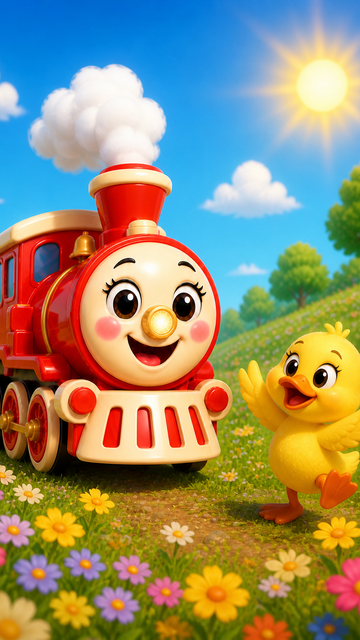
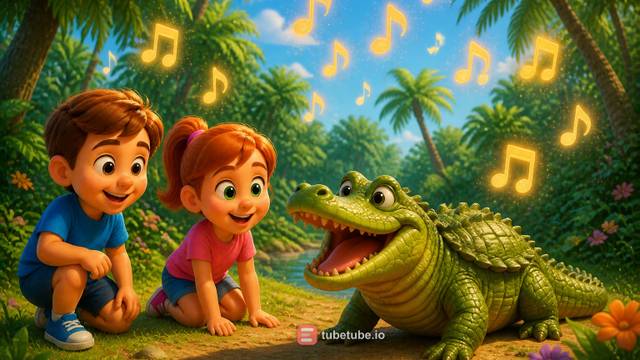
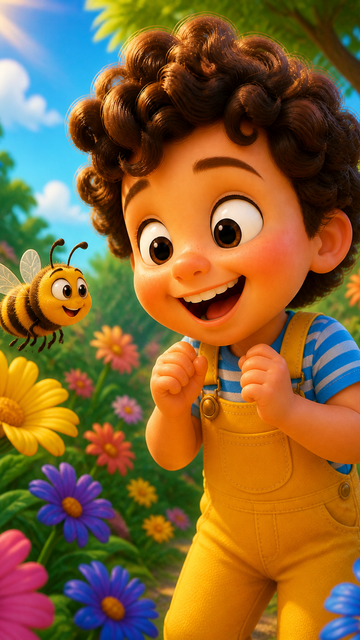
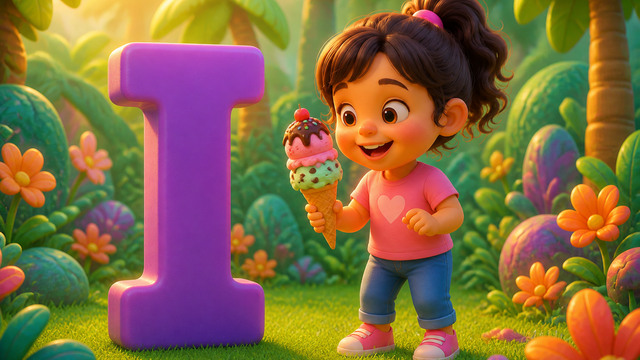
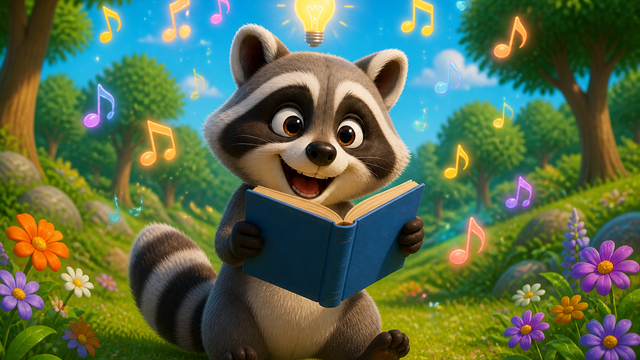
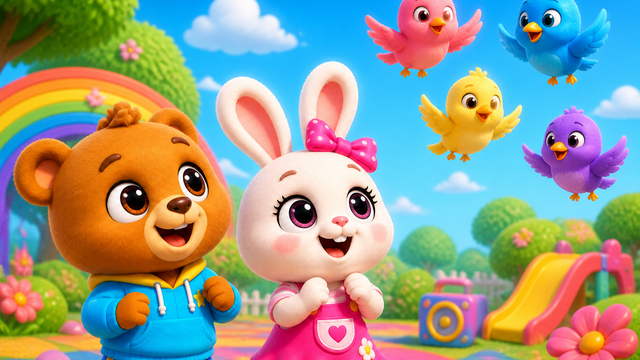
Real examples: pixar-style 3d made with TubeTube
Finished videos from the community gallery, each with its full recipe (style, engine, voice, lyrics or script) that you can remix with your own words.
Frequently asked questions
What is character drift in AI video?
Character (or identity) drift is when a generated character's face, hair, clothing, proportions or art style change from one scene to the next, so a multi-scene video looks like it stars several different people. It's the most common giveaway of low-effort AI video.
Why do AI characters change between scenes?
Because most models generate each scene as a largely independent request, they don't automatically carry forward what the previous scene looked like unless you feed it back in. Combined with prompt ambiguity and model randomness, the character tends to drift unless you anchor it with references and context.
My AI generations keep changing my character's costume and face between shots. What fixes that?
Costume and face drift usually come from the same two gaps. The shots are generated independently, so nothing carries the previous look forward, and the outfit is described loosely enough that the model re-invents it every time. Close both. Lock one reference image of the character and reuse it in every shot, then paste an identical identity block (age, hair, the exact outfit down to the colour, the art style) into every scene prompt instead of rewriting it each time. Generating scenes in order, with the approved earlier images fed back in as context, is what makes it hold. TubeTube does that part for you.
How do you get the same character in different scenes with AI?
Give the model something to copy so it never starts from zero. Lock one reference image, or a small character sheet with a couple of angles, and reuse it in every scene. Keep the identity description word for word identical, and hold one visual style across the whole video. Then generate scene by scene rather than all at once, feeding the earlier images back in as context. Generate independently from loose prompts and no model on the market will hold the same character.
How many reference images do you need for a consistent character?
Usually one strong reference is enough to start, but pinning 2-5 references (the character from a couple of angles, plus the world and any key prop) is more robust across a long video. More than that can over-constrain composition.
Can Kling, Veo or Sora keep characters consistent on their own?
Partly. All of them drift if you generate scenes independently with loose prompts. They stay consistent when you give them strong reference images and generate sequentially with prior scenes as context, which is a workflow problem more than a model problem.
Does TubeTube keep characters consistent automatically?
Yes. TubeTube generates scenes sequentially with visual memory (each new scene sees the earlier ones), supports up to 5 pinned reference images, and re-tries or falls back automatically when a scene fails, so the character stays the same across the whole video without a manual reference workflow. You also pick the image model: GPT Image 2.5, which OpenAI positions on precise editing and subject preservation, is available in four finish levels, alongside Gemini 3 Pro, Flux 2 Pro and Seedream 5 Lite.