AI story video generator: turn a written story into a narrated video
By Arsène Huot, founder of TubeTube · Published · Updated

What does story to video mean?
Story to video means taking written text and turning it into a finished narrated, animated video without filming a thing. You write or paste the story, pick a voice, and the pipeline does the rest: it reads the story aloud, times each line, breaks it into scenes, illustrates and animates them, then cuts the whole thing together. The story stays the source of truth, so every scene matches what the narrator is saying right then. That's the backbone of bedtime story videos, of fairy tale videos for kids, of horror story videos for adults, and of any narrated story video generator workflow.
Watch the full video, story and recipe →
How do you turn a written story into a video?
A written story becomes a video in five steps, run automatically in a single pass:
1. Write or paste the story
Start with the text. A bedtime story, a fable, a folk tale or an educational tale all work the same way. Narration runs at a median of about 14 characters per second on our own videos, so roughly 2,500 characters make a 3-minute video, and longer stories simply produce more scenes (the field takes up to 20,000 characters). This text is the backbone everything else is timed to, so it pays to get the wording right before you launch a run.
2. Pick a narration voice and generate the audio
Choose a voice from the ElevenLabs library, filtered by language, gender and age, with audio previews so you can hear it first. TubeTube reads the whole story in that voice. The narration is the spine of the video: its exact timing decides how long each scene runs, so it's created before any visuals.
3. Time the words and build the storyboard
The narration is transcribed word by word, then broken into a storyboard with one scene every few seconds. Because the timing comes from the real voice track and not a guess, scene changes land on the sentences they belong to, and the visuals never drift away from what is being said.
4. Generate a consistent scene for each beat
Each scene gets its own image, generated sequentially with the previous scenes as context and up to 5 pinned reference images, in one of 113 visual styles. That keeps the same character and the same world from the first line to the last. Here is how characters stay consistent across scenes.
5. Animate, edit and export
Every scene is animated by a video engine (Kling 2.6 Pro by default, with Kling 2.5/3, Google Veo 3.1, Seedance 2 or Hailuo 2.3 among the 14 available, at 720p or 1080p; Hailuo renders 768p), then the clips are assembled automatically to match the narration timing. Optional background sounds go underneath, and you get the final video plus every individual asset.
This is the same end-to-end pipeline behind making faceless YouTube videos with AI and the AI video generator for YouTube. For sung content rather than narration, see the AI music video generator and AI kids song videos; for calm looping soundscapes, the AI lofi music video generator. You can also browse finished examples in the community gallery.
Which narration voices can you use?
You narrate the story with a voice from the ElevenLabs voice library, which you can filter by language, gender and age. Every voice has an audio preview, so you can listen before you choose rather than committing blind. That lets the same story sound like a gentle bedtime narrator, a lively character voice, or a documentary read, depending on the tone you want.
How are the visuals kept in sync with the story?
The visuals stay in sync because the timing comes from the narration itself, not a guess. After the voice is generated, TubeTube transcribes it word by word and aligns the storyboard to that real pacing, so a scene change lands on the sentence it belongs to. On top of timing, each scene is generated sequentially with the previous scenes as context plus up to 5 reference images, which keeps the same character and world from start to finish.
- Word-by-word timing. The narration is transcribed and the storyboard is aligned to it, so visuals never drift from the words.
- Consistent characters. Sequential, context-aware generation plus reference images keeps the hero looking like the same hero across every scene. See how character consistency works.
- Self-remediation. If a scene struggles, the pipeline retries with adjusted prompts, falls back gracefully, and shows what it did in a transparency report.
Can one story become videos in several languages?
Yes. Once a story video is finished, you can dub it into 24 languages, up to 5 at a time. The narration is re-spoken in each language while the visuals stay identical, so a single tale can feed French, English, Spanish, German and Japanese channels from one source. Dubbing is billed per minute per language, and any language that fails is refunded automatically, so you only pay for what actually ships.
How long can the story be?
Length is driven by how much you write. Narration runs at a median of about 14 characters per second on our own videos, so about 2,500 characters of text make roughly a 3-minute video, and a longer story simply produces more scenes at the same pacing. Because the credit estimate updates before you launch, you can see what a given story will cost, and the credit ledger refunds any unused holds afterward. A 2-3 minute video costs a median 807 credits, about $9 at the base rate of $0.011 per credit; half of them cost between 685 and 1,129 credits ($7.50-12.50), measured on 246 videos in August-September 2026. The exact quote is shown before launch and unused credits are refunded.
What did the demo video on this page cost?
Here is the ledger for The Giant in the Shadows, the story shown in the demo above. These are the credits actually charged for that run, not an estimate.
| What | Measured on this video |
|---|---|
| Length | 0:50, 10 scenes of 5 seconds |
| Story | 693 characters, narrated by an ElevenLabs voice |
| Look | Photorealistic film style, background sound switched on |
| Video engine | Kling 2.6 Pro, 16:9 |
| Credits charged | 522 (about $5.74 at $0.011 per credit) |
| Render time | 14 minutes from launch to finished file |
| Rendered on | 16 August 2026 |
The launch reserved 620 credits. Once the narration was generated and the storyboard locked, the exact cost was known and 77 came back at once; 21 more were refunded when the job finished. A longer story scales the same way: more characters, more scenes, a bigger quote that you see before you launch.
For more on the kind of long-form output this produces, see the best AI long-form video generator comparison.
Real examples: narrated stories made with TubeTube
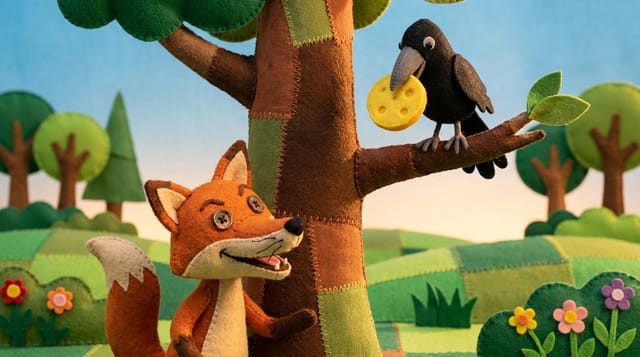
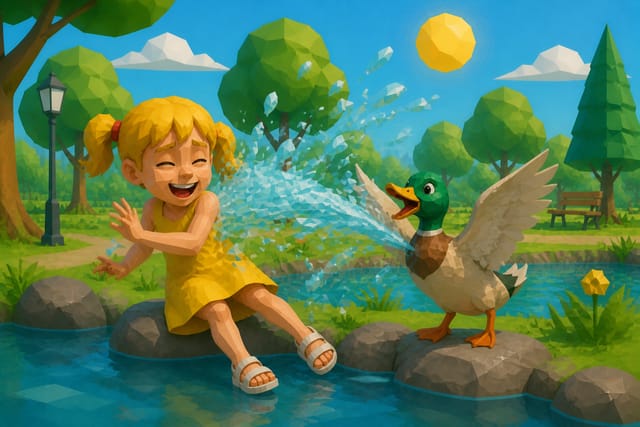
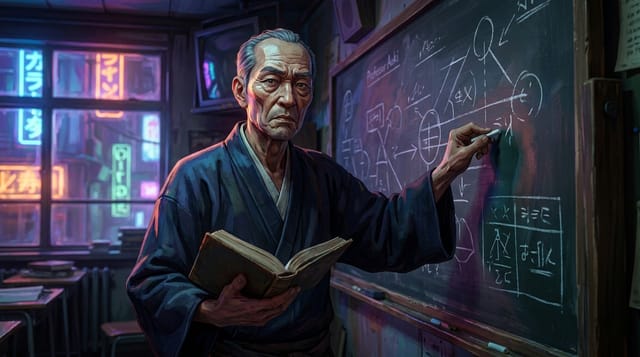
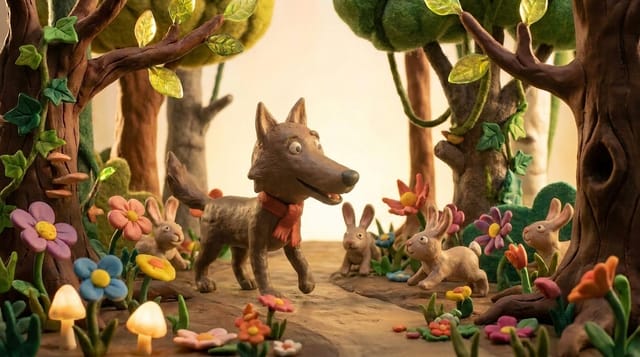
Finished videos from the community gallery, each with its full recipe (style, engine, voice, lyrics or script) that you can remix with your own words.

Frequently asked questions
What does story to video mean?
Story to video means taking a written story and turning it into a finished, narrated, animated video automatically. You provide the text and pick a voice, and the pipeline does the rest: it narrates the story, times it word by word, breaks it into a scene-by-scene storyboard with consistent characters, animates it, and edits the final cut.
How long can the story be?
The text field takes up to 20,000 characters. Narration runs at a median of about 14 characters per second on TubeTube's own videos, so roughly 2,500 characters make a 3-minute video and 2,000 characters about two and a half minutes. Longer stories simply produce more scenes, and the credit quote updates before you launch.
How much does a story video cost?
A 2-3 minute video costs a median 807 credits, about $9 at the base rate of $0.011 per credit; half of them cost between 685 and 1,129 credits ($7.50-12.50), measured on 246 videos in August-September 2026. The exact quote is shown before launch and unused credits are refunded. Narration itself is billed at 38 credits per 1,000 characters of text. The demo on this page, a 50-second story with 10 scenes animated by Kling 2.6 Pro, was charged 522 credits and took 14 minutes to render (August 2026).
Can I try story to video for free?
In most countries, new accounts get 1,000 credits at signup, valid for 7 days, with no card required; they aren't granted everywhere (in India, a one-off $4 pack of 1,000 credits replaces them).
Which narration voices can I use?
You pick from the ElevenLabs voice library, filterable by language, gender and age, with audio previews so you can hear a voice before committing. The same story can be narrated by a calm storyteller voice, a character voice, or a voice in another language.
Can one story become a video in several languages?
Yes. A finished video can be dubbed into 24 languages, up to 5 at once. Dubbing is billed per minute per language (94 credits per minute per language), and if a language fails it's refunded automatically, so one tale can serve several language channels from a single source video.
What if a scene fails to generate?
TubeTube retries with progressively adjusted prompts, falls back to another image model, and as a last resort reuses the previous scene image so the video stays in sync. Every adjustment is shown in a transparency report, and the credit ledger refunds unused holds.
What kinds of stories work best?
Bedtime stories, fables, folk tales and educational tales all work well, because they have a clear narrator and a sequence of scenes. The same pipeline runs real multilingual faceless story channels, so it's built around exactly this kind of narrated content.