AI anime video generator
By Arsène Huot, founder of TubeTube · Published
What does an AI anime video generator actually do?
Most anime generators give you a few seconds of motion from one prompt. That's fun for a test, but a channel needs whole episodes, and stitching clips by hand is where the hero's hair color starts to drift. TubeTube works from the audio first. It records a narration with an ElevenLabs voice or has Suno compose a song from your lyrics, cuts a storyboard to that audio, and draws one image per scene. A video engine animates each image and the edit assembles them, so you download a complete video, not a folder of clips.
A two-minute anime opening and a ten-minute narrated episode go through the same pipeline, in 16:9 for YouTube or 9:16 for Shorts and TikTok.
Which anime styles can you pick?
The style is a single setting that holds for the whole video. Out of the 113 in the catalogue, these are the anime-leaning ones:
| Style | What it looks like |
|---|---|
| Studio Ghibli | watercolor backgrounds, soft daylight, gentle pastel palette, simple rounded faces with big eyes |
| Hand-painted anime film | lush detailed backgrounds, wind in the grass and clouds, a nostalgic warmth |
| Retro 80s anime | hand-drawn cel shading, soft film grain, dramatic sunset palettes |
| Manga color | expressive large eyes, speed lines, screen-tone textures, vivid staging |
| Webtoon soft | clean digital lines, soft cel shading, a luminous pastel glow |
| Chibi sticker | tiny big-headed characters, glossy kawaii colors, a thick sticker outline |
The soft, painterly looks carry calm stories and kids' songs best. Retro 80s and Manga color suit action, sci-fi and drama, and Chibi works for short, funny pieces. If you've got a precise look in mind, describe it in your own words instead. You can see real results made with the painterly anime preset in the Studio Ghibli-style gallery.
How do you keep the same anime character in every scene?
Anime fans notice everything. A character whose eye color or hairstyle shifts between shots looks wrong right away. TubeTube generates the scene images in order, feeds the most recent ones back in as context, and lets you pin up to 5 reference images of your own. In dialogue mode, the appearance you write for each named character is pasted into every scene where they appear. The video engines only animate images that already exist, so the design is settled before anything moves. The method is covered in more depth in AI character consistency.
How do you make an anime video from text, step by step?
- Write the text. A story, a script or lyrics. Only have a premise? Give it in one line and let the AI write the script, up to 6-10 minutes long.
- Choose the voice or the music. Narration uses an ElevenLabs voice you preview and pick. A song is composed and sung by Suno, or you can upload your own mp3.
- Pick an anime style and an engine. Kling, Hailuo, Veo, Seedance and Gemini Omni Flash are all there, with the credit cost shown before you launch.
- Download the finished video. One mp4, a YouTube thumbnail for 16:9 videos, and a zip of every image and clip if you want to re-edit.
Can anime characters talk on screen?
Yes, in Narration + Dialogue mode. Three engines can speak lines on camera there: Veo 3.1, Kling 3 and Gemini Omni Flash. Outside that mode the clips are silent, and the voice comes from the narration or the song mixed in the edit. For a story told by one narrator, that's usually the simpler route. For a scene where two characters argue, dialogue mode is the one to use.
What can you make with it?
Narrated stories are the natural fit, so start from story to video if you've got a plot. An original song over anime visuals is a music video, covered on the AI music video generator page, and a slow, looping anime scene under a chill track is exactly what the lofi music video generator is for. Prefer Western cartoon looks? The AI cartoon video generator covers 2D, rubber-hose and Pixar-style 3D.
One rule worth keeping: build your own characters. Recreating a famous anime hero might get a few views, but it belongs to its studio and can get the video taken down. The style is free to use. The characters you invent in it are yours.
Is there a free AI anime video generator?
You can start free. In most countries, new accounts get 1,000 credits at signup, valid for 7 days, with no card required; they aren't granted everywhere (in India, a one-off $4 pack of 1,000 credits replaces them). That's enough to make a real anime video and judge it before paying. There's no unlimited free tier after that. Plans run $11, $49, $129 and $399 per month, and one credit costs about $0.011. A typical 2-3 minute video lands around ~$9. Exports are watermark-free on every paid plan, while downloads on the signup credits carry a small tubetube.io mark.
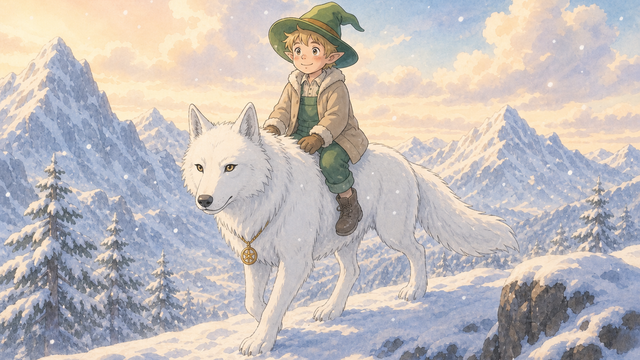
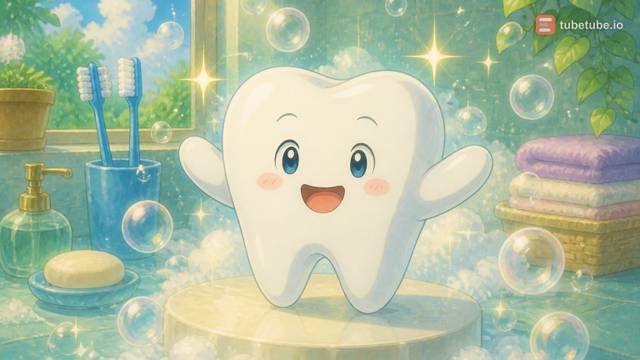
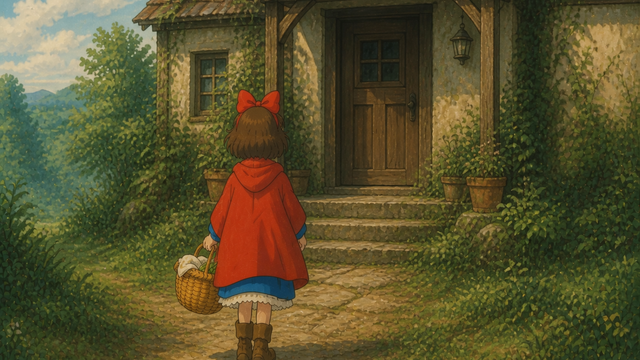
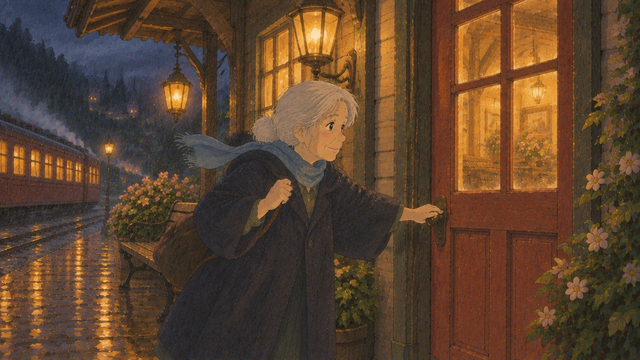
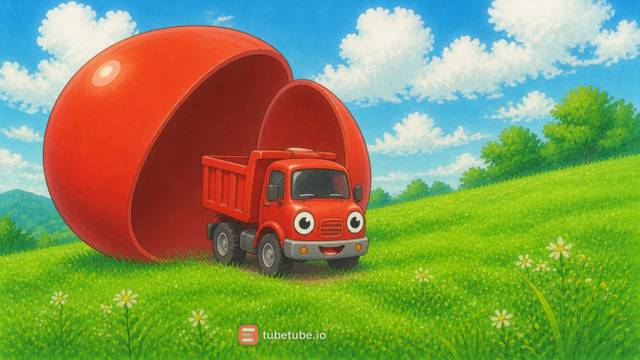
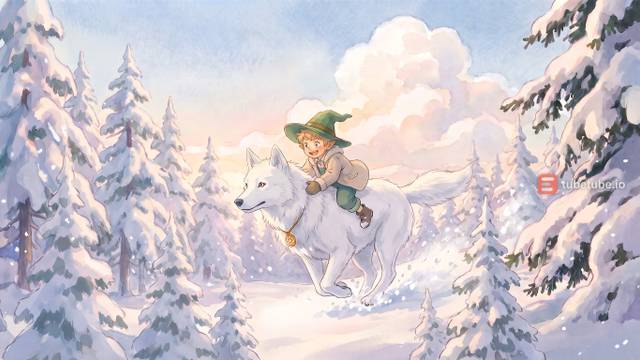
Real examples: studio ghibli made with TubeTube
Finished videos from the community gallery, each with its full recipe (style, engine, voice, lyrics or script) that you can remix with your own words.
Frequently asked questions
What is an AI anime video generator?
It turns text into an animated video drawn in an anime style. On TubeTube you write a story, a script or song lyrics and pick an anime look. The pipeline records the audio (an ElevenLabs narration or a song composed by Suno), builds a storyboard timed to it, draws one image per scene with the same characters throughout, animates each image with a video engine and edits everything into one mp4.
Can I make an anime video from text only?
Yes, text is the starting point. Paste a script or lyrics, or give a short idea and let the AI write the script. You don't need drawings, a voice recording or editing software. If you already have a song, upload the mp3 instead and the scenes are timed to it.
Which anime styles are available?
Six anime-leaning looks sit in the catalogue of 113 styles: Studio Ghibli, Hand-painted anime film, Retro 80s anime, Manga color, Webtoon soft and Chibi sticker. You can also describe your own style in plain words if none of them fits.
Is there a free AI anime video generator?
In most countries, new accounts get 1,000 credits at signup, valid for 7 days, with no card required; they aren't granted everywhere (in India, a one-off $4 pack of 1,000 credits replaces them). Downloads made on those signup credits carry a small tubetube.io mark. Every paid plan ($11, $49, $129 or $399 per month, 10% cheaper billed annually) exports clean mp4s. There's no unlimited free plan, and you do need an account to generate.
Can I use existing anime characters?
Don't. Characters from published anime and manga belong to their studios and authors, so a channel built on them risks takedowns and demonetization. Invent your own cast and describe them precisely. The anime look itself is a style, and an original character drawn in it is yours to publish.
How much does an AI anime video cost?
A 2-3 minute video costs a median 807 credits, about $9 at the base rate of $0.011 per credit; half of them cost between 685 and 1,129 credits ($7.50-12.50), measured on 246 videos in August-September 2026. The exact quote is shown before launch and unused credits are refunded. The price depends mostly on the number of scenes and the video engine you pick.