GPT Image 2.5 pricing: what each quality tier actually costs
By Arsène Huot, founder of TubeTube · Published · Updated · measured on the OpenAI API on 9 September 2026
high costs what GPT Image 2's medium cost, and its max costs what its high cost. On low, the two are exactly equal.Cost per generated image
OpenAI's API pricing page lists GPT Image 2.5 per million tokens only, with no per-image table, and its model pages (sunburst, flare) warn that the GPT Image 2 calculator does not estimate 2.5's token consumption. So we measured it: every figure below comes from calling the API at 1536×1024 and reading usage.output_tokens on the response, billed at $30 per million.
| Quality | GPT Image 2 | GPT Image 2.5 | Difference |
|---|---|---|---|
low | 158 tok · $0.0047 | 158 tok · $0.0047 | identical |
medium | 1,372 tok · $0.0412 | 343 tok · $0.0103 | 4× cheaper |
high | 5,488 tok · $0.1646 | 1,372 tok · $0.0412 | 4× cheaper |
xhigh | — | 2,459 tok · $0.0738 | new tier |
max | — | 5,488 tok · $0.1646 | new tier |
Both variants — gpt-image-2.5-sunburst and gpt-image-2.5-flare — consume exactly the same tokens at every tier, so they cost the same. Choose between them on quality and speed, never on budget: OpenAI's model pages call sunburst its most capable image model and describe flare as fast, high-quality everyday generation, and flare returned images 2 to 4 times faster in our runs.
The line item nobody counts: reference images
If you edit rather than generate from scratch — passing earlier images so a character stays the same — those images are billed as input tokens. A 1536×1024 reference costs 1,536 tokens, or $0.0123, identical on both models. That is not a rounding error. On the low tier, three references make up roughly 87% of the total cost of the call.
GPT Image 2.5 also rejects the input_fidelity parameter, so there is no setting that makes references cheaper. The only lever is sending fewer of them, which is a real trade-off when you rely on them to hold a character across scenes.
One more measured oddity: at low, a 1024×1024 square costs 196 output tokens against 158 for either 1536×1024 or 1024×1536. Square is the expensive format, not the cheap one.
What the same money actually buys
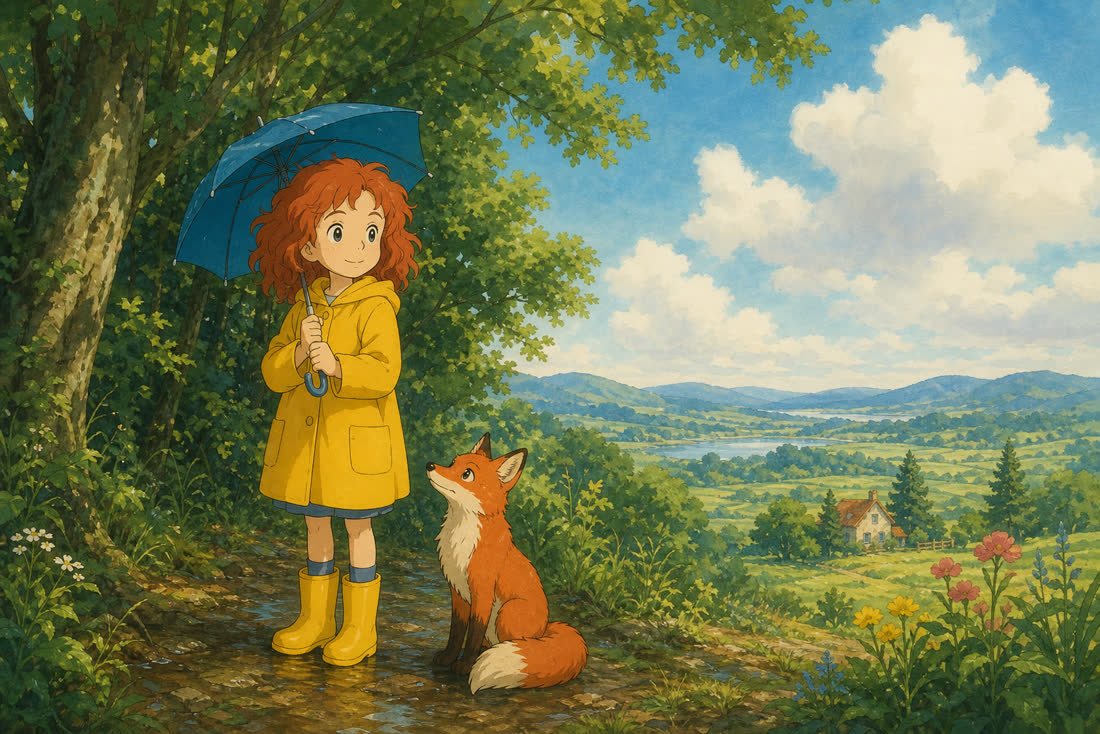
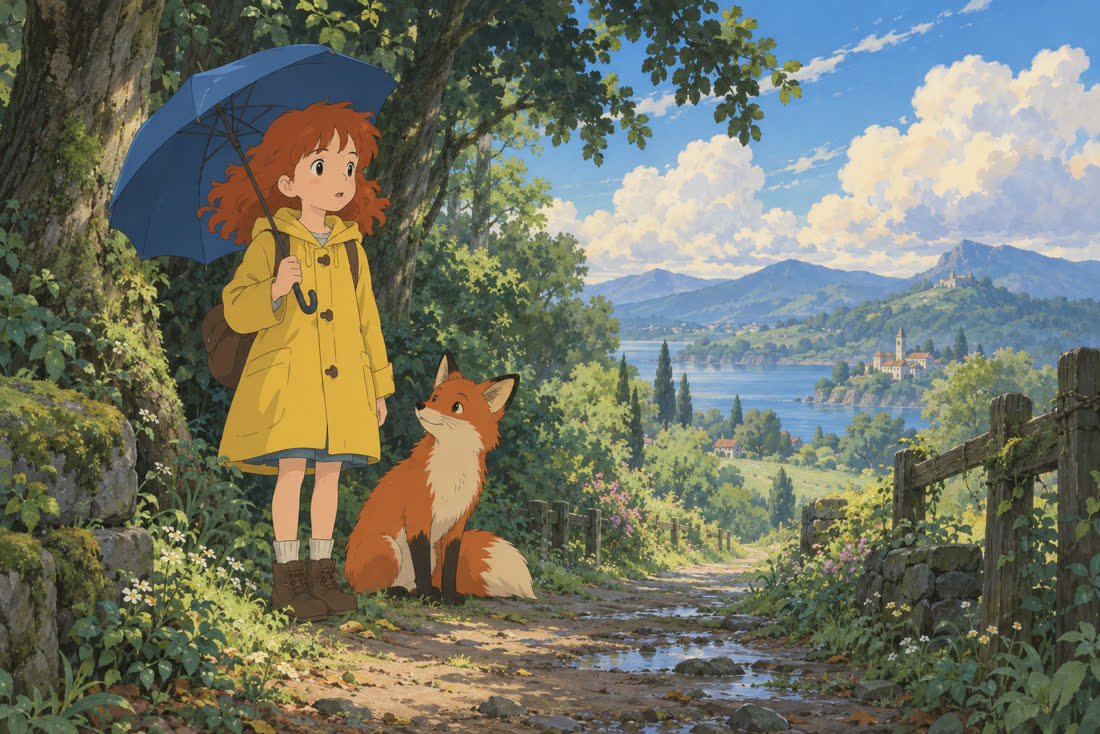
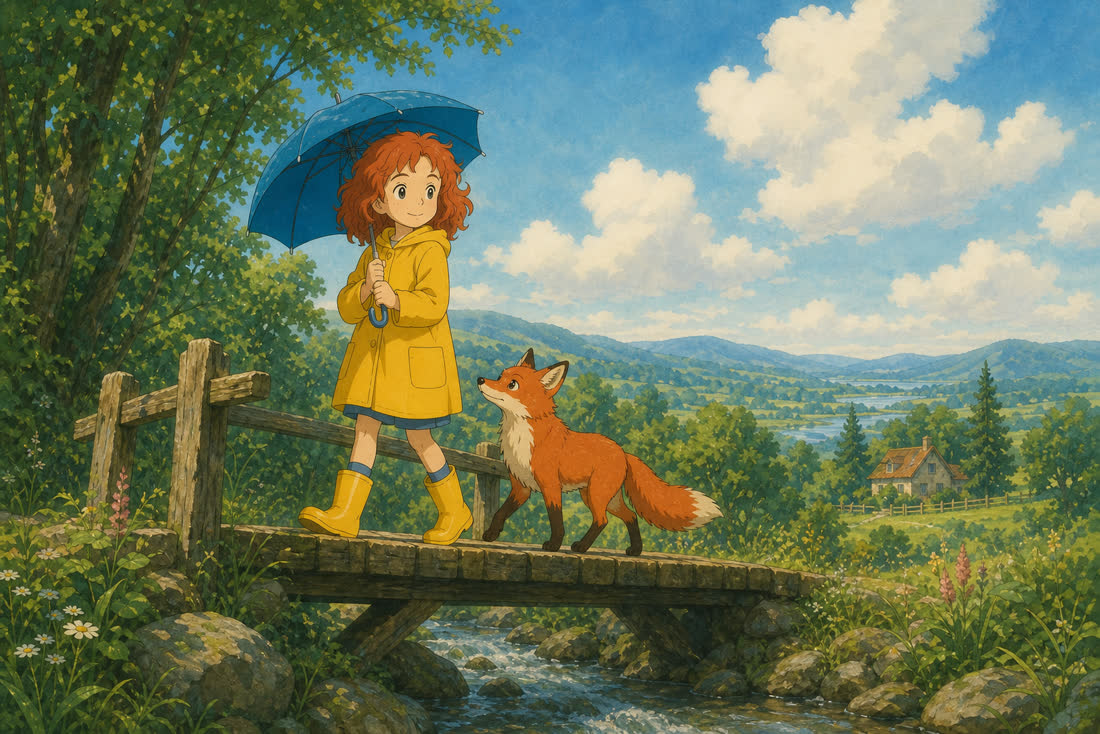
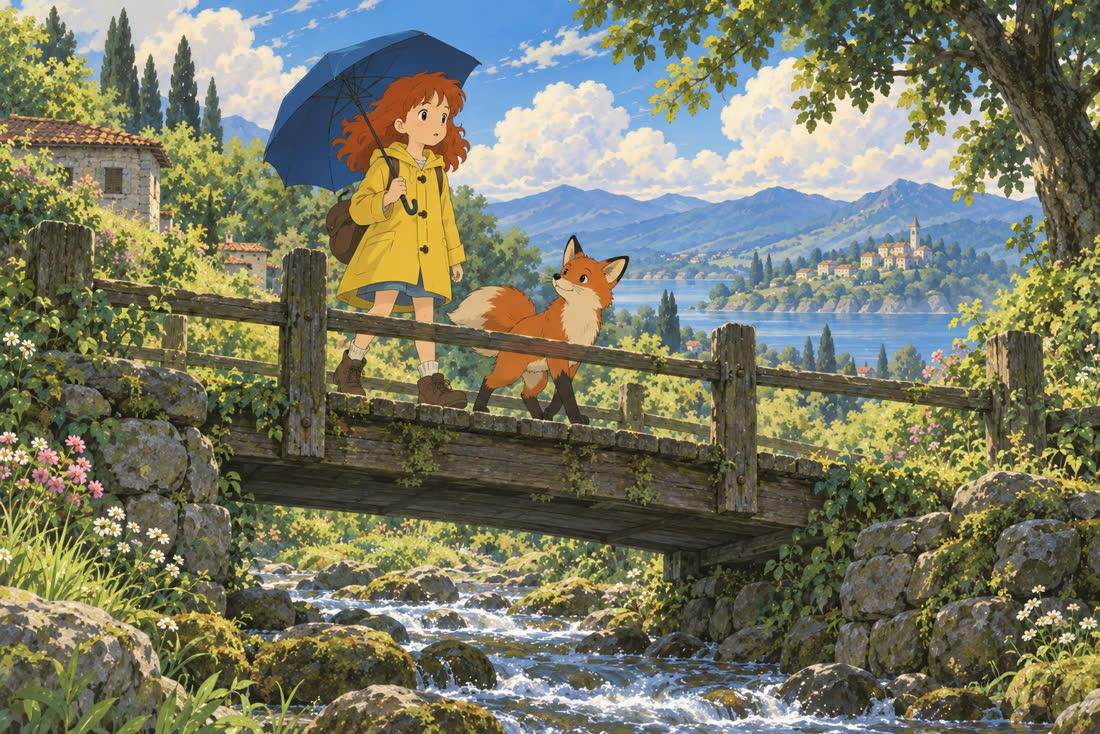
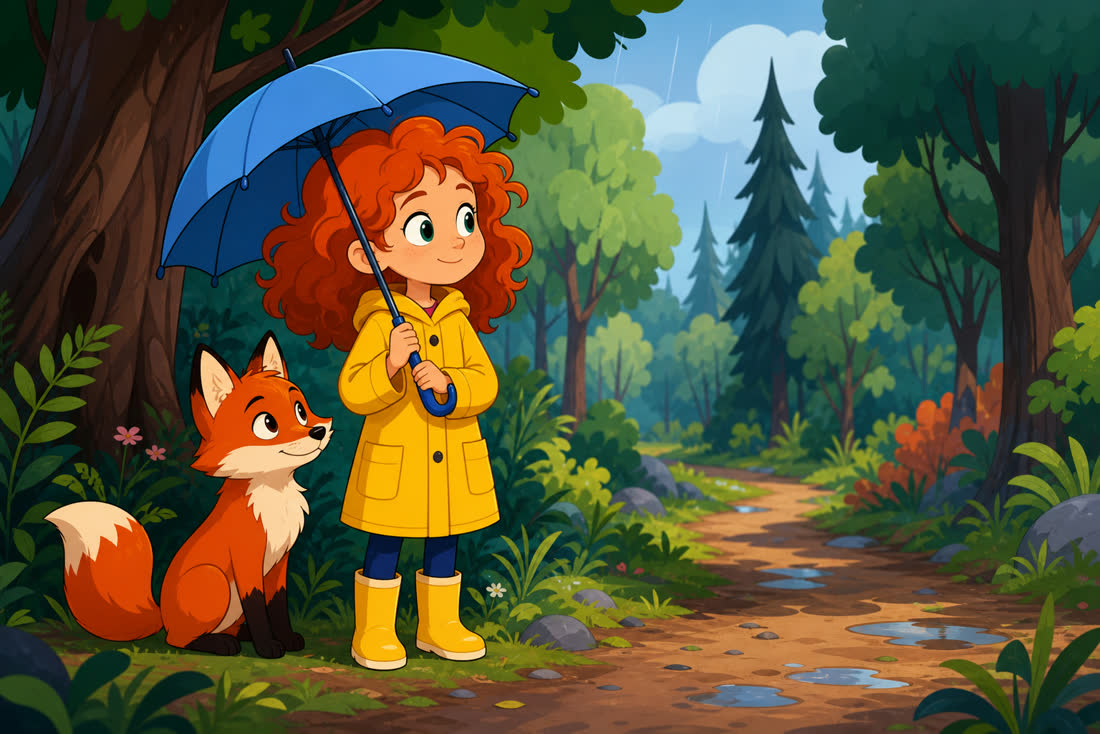
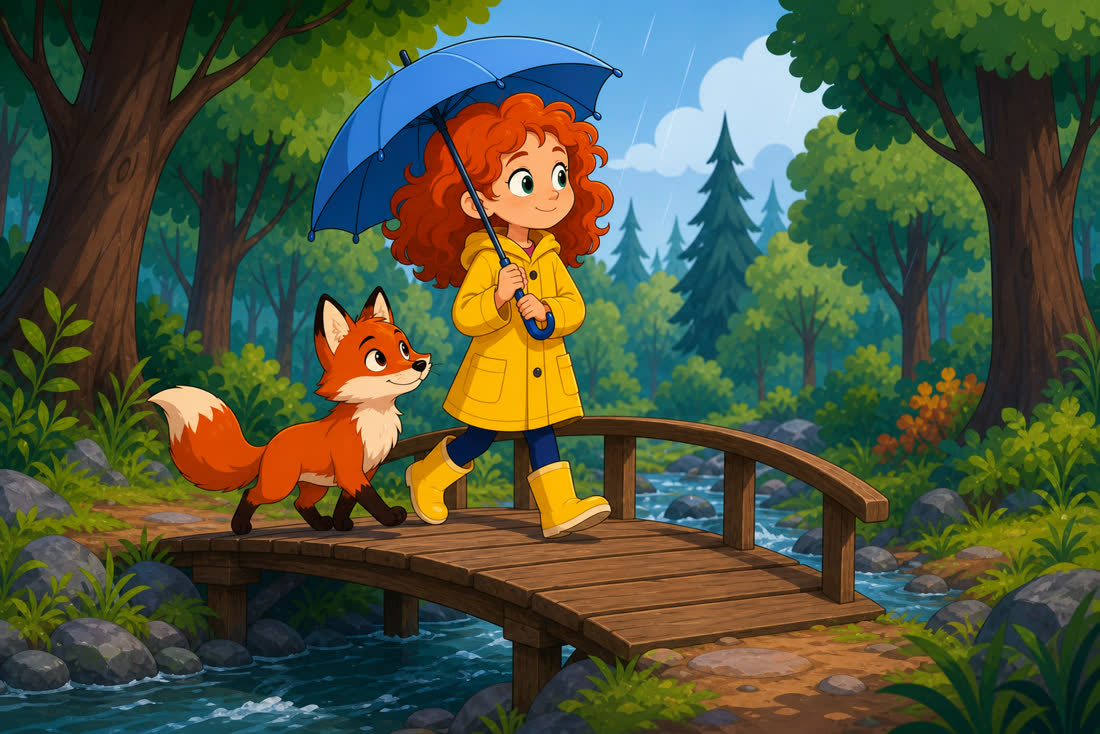
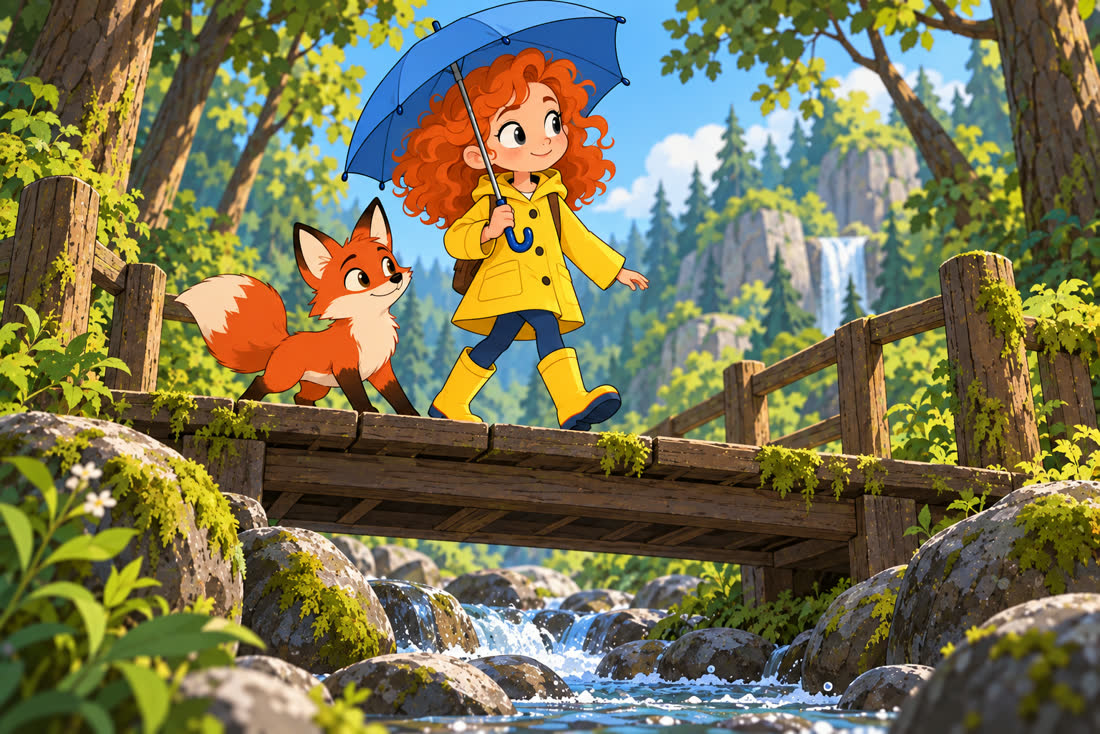
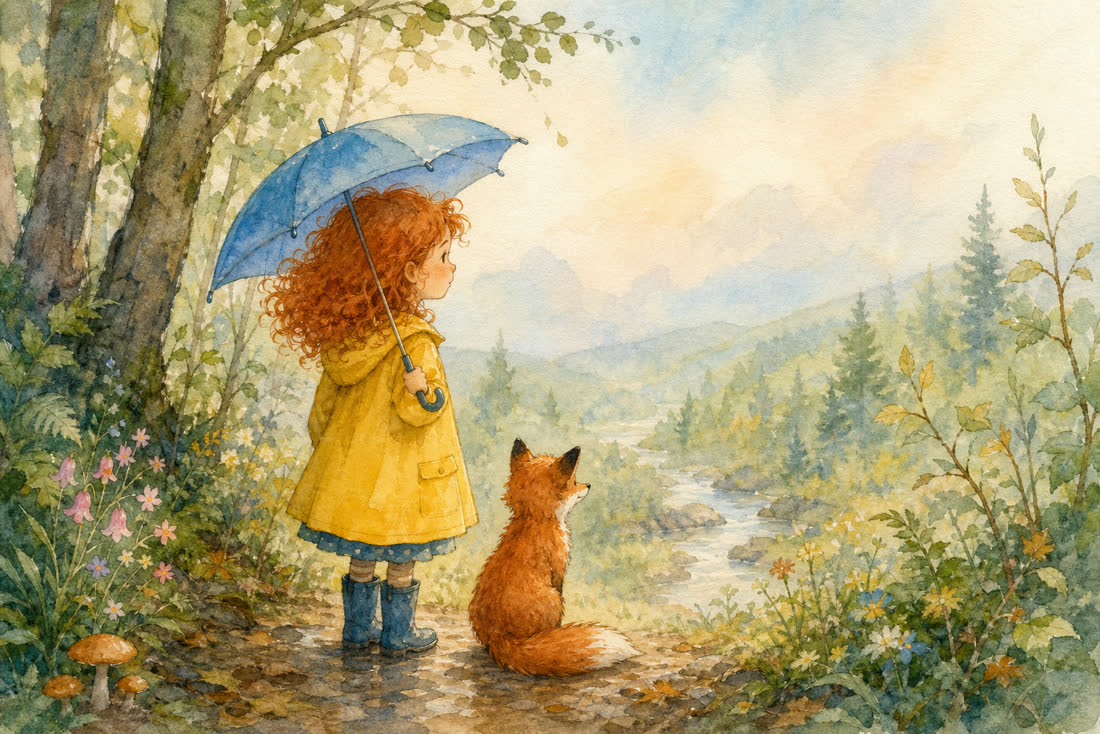
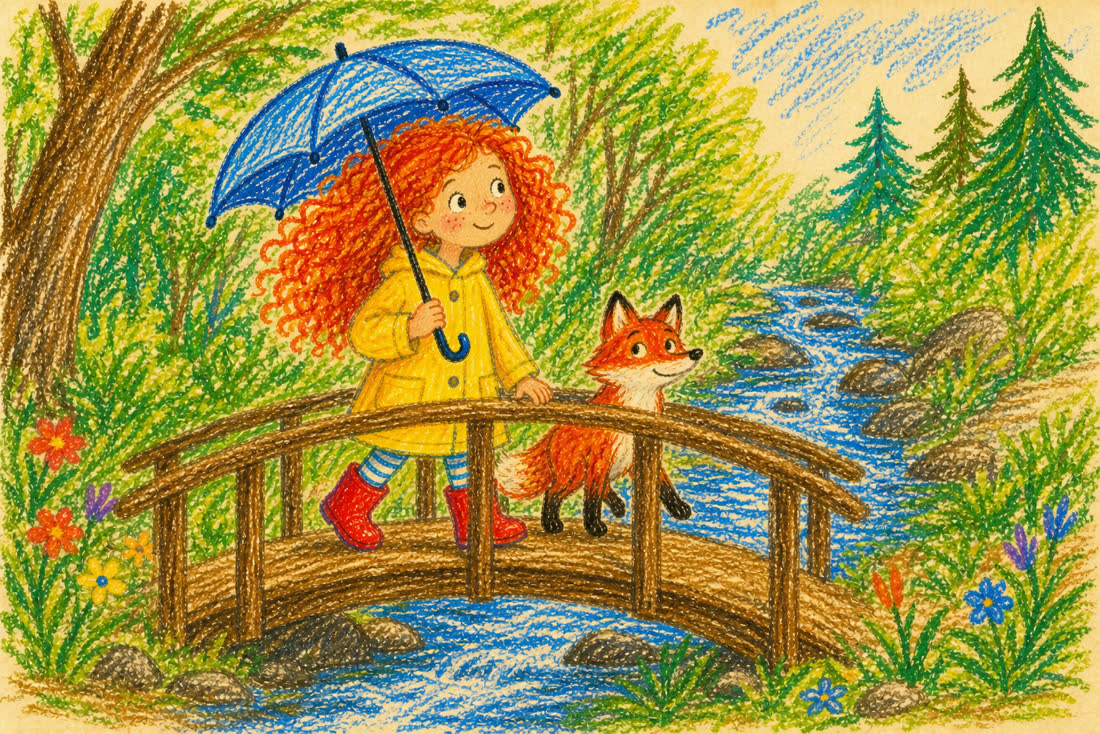
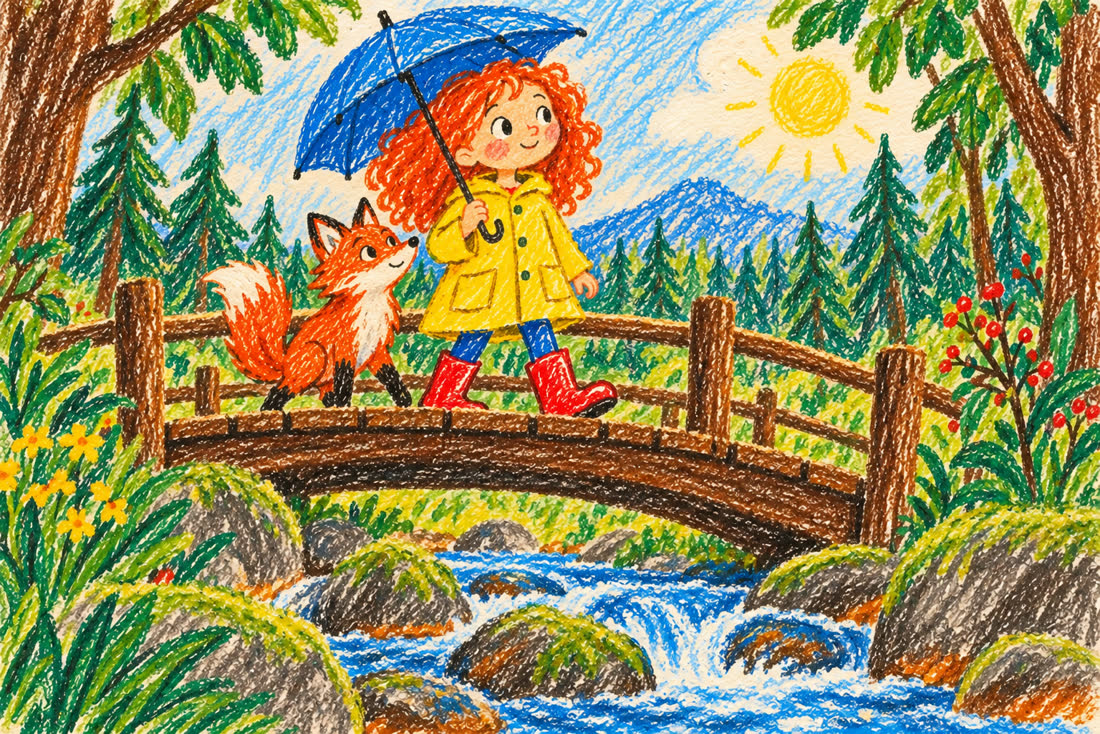
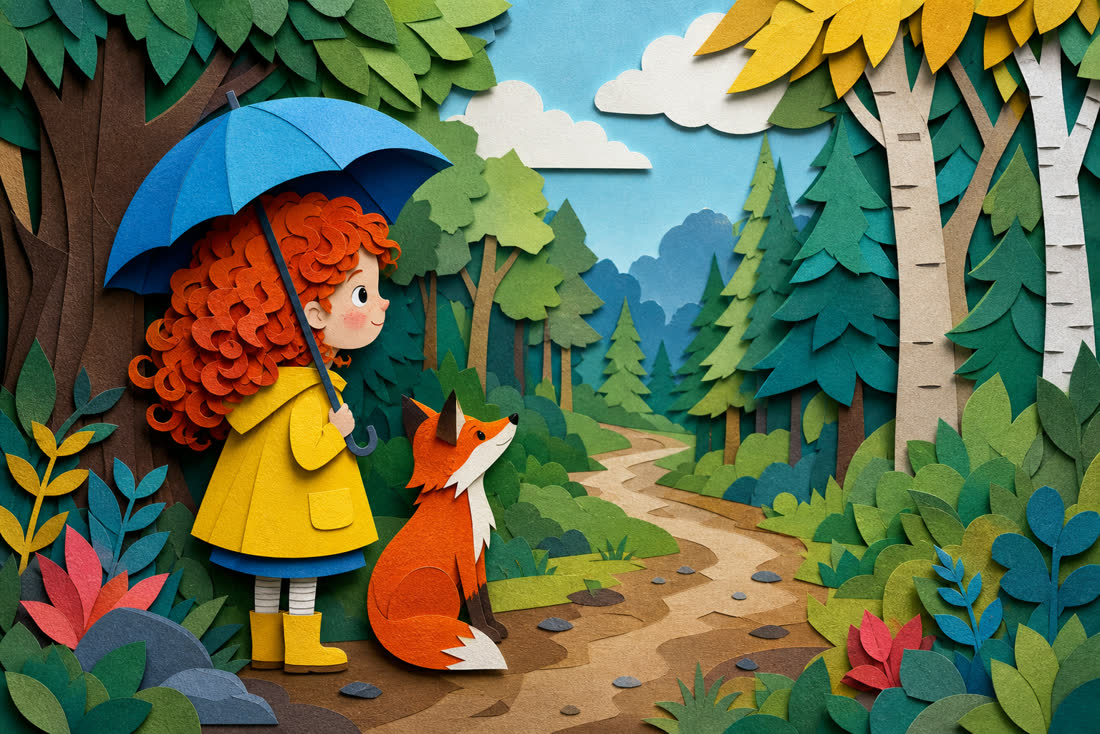
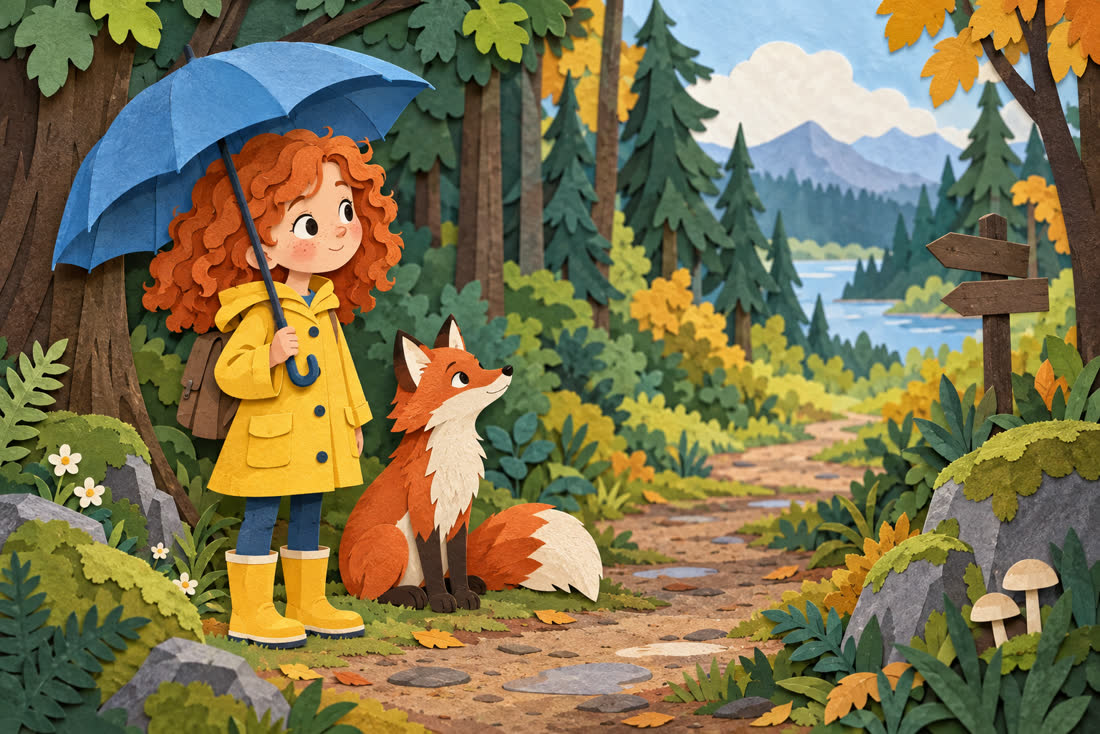
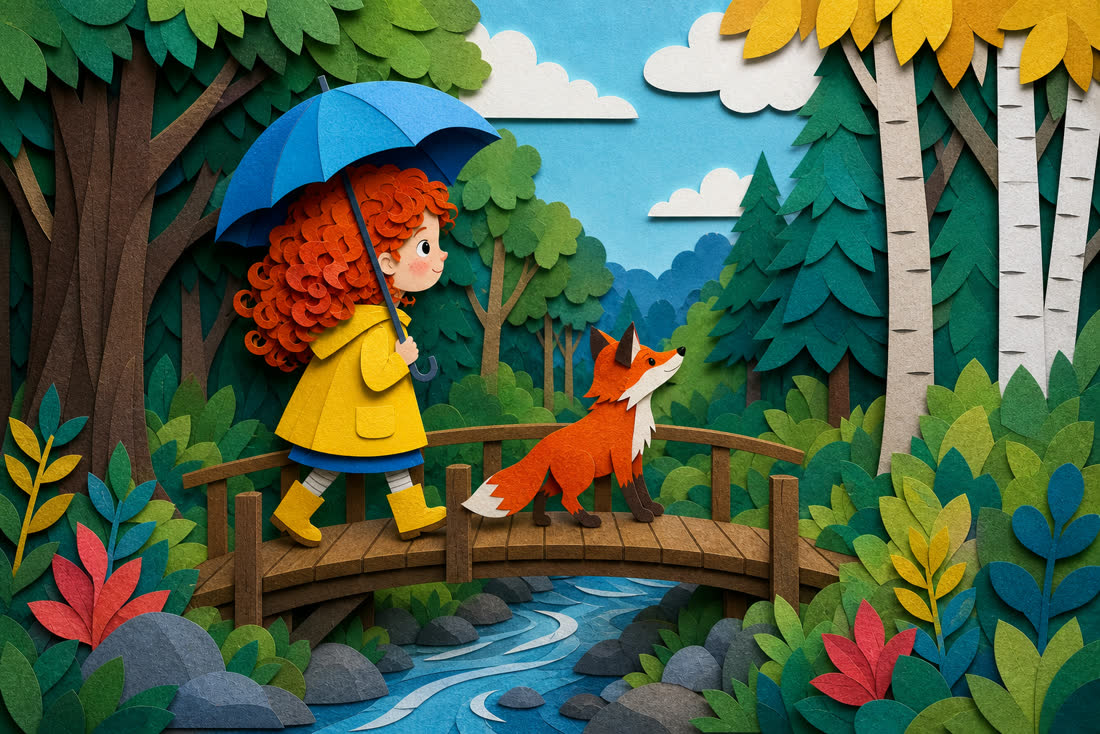
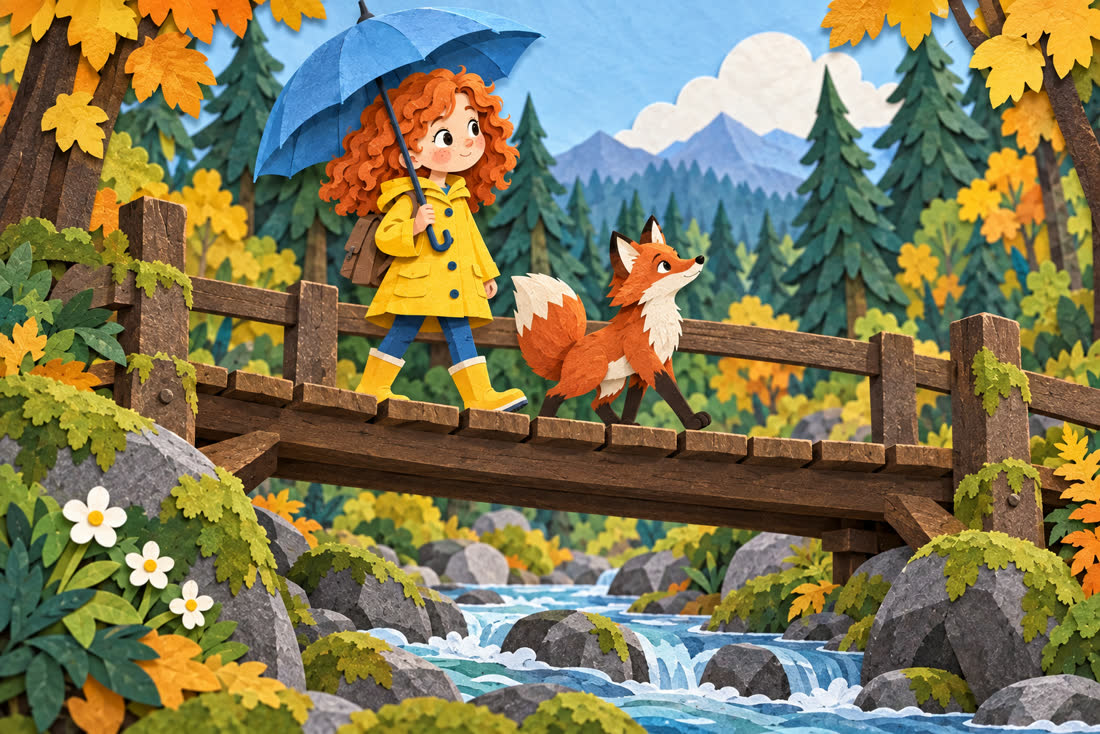
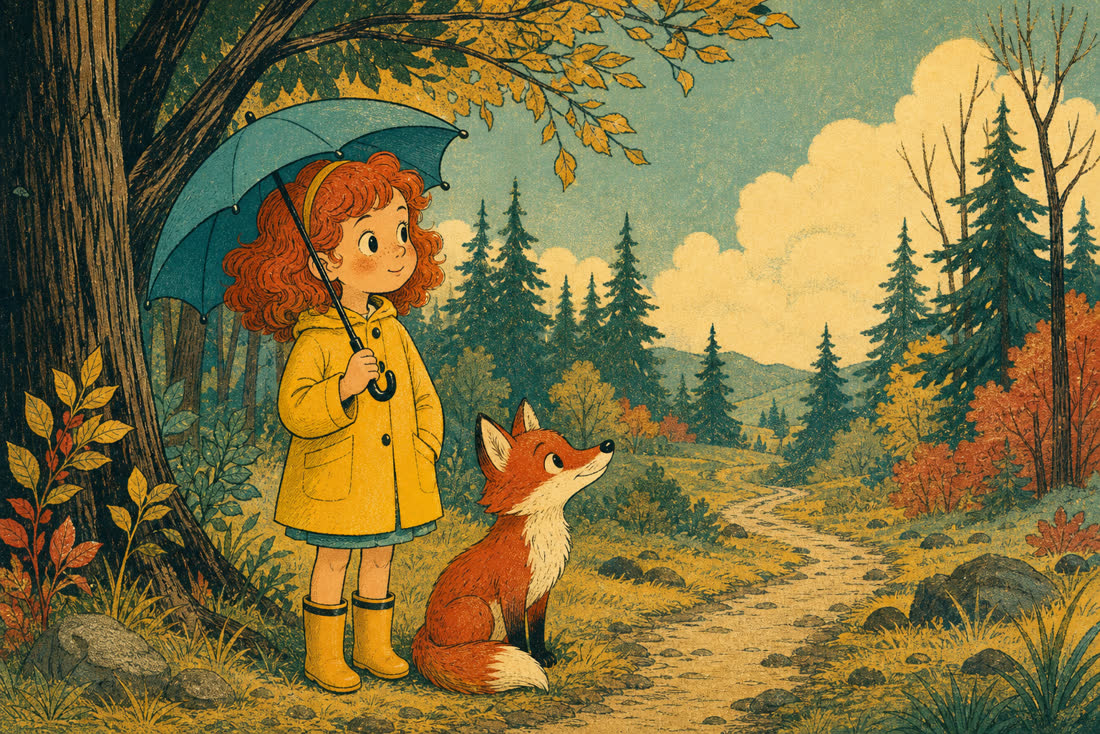
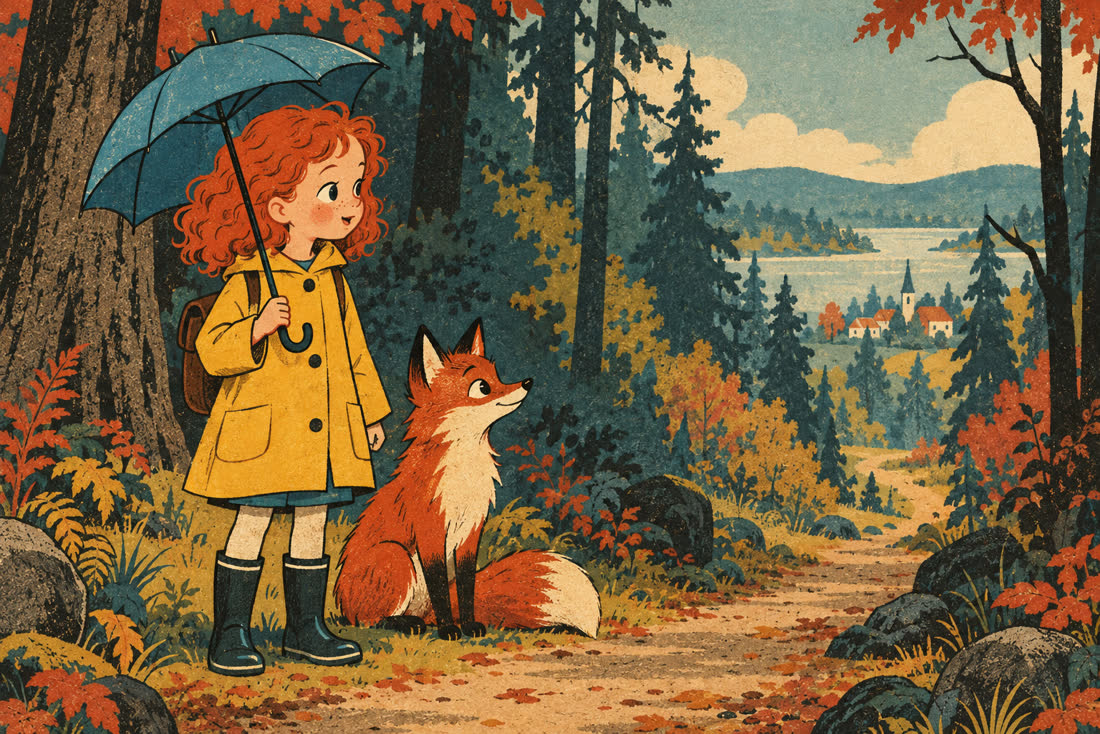
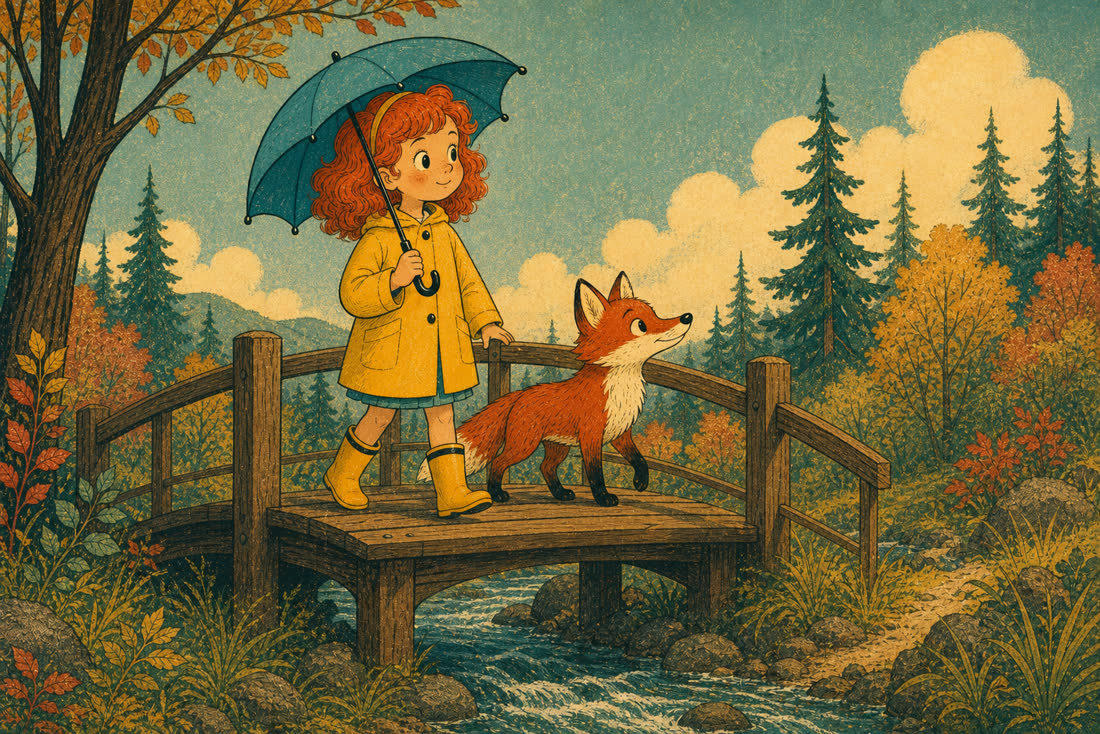
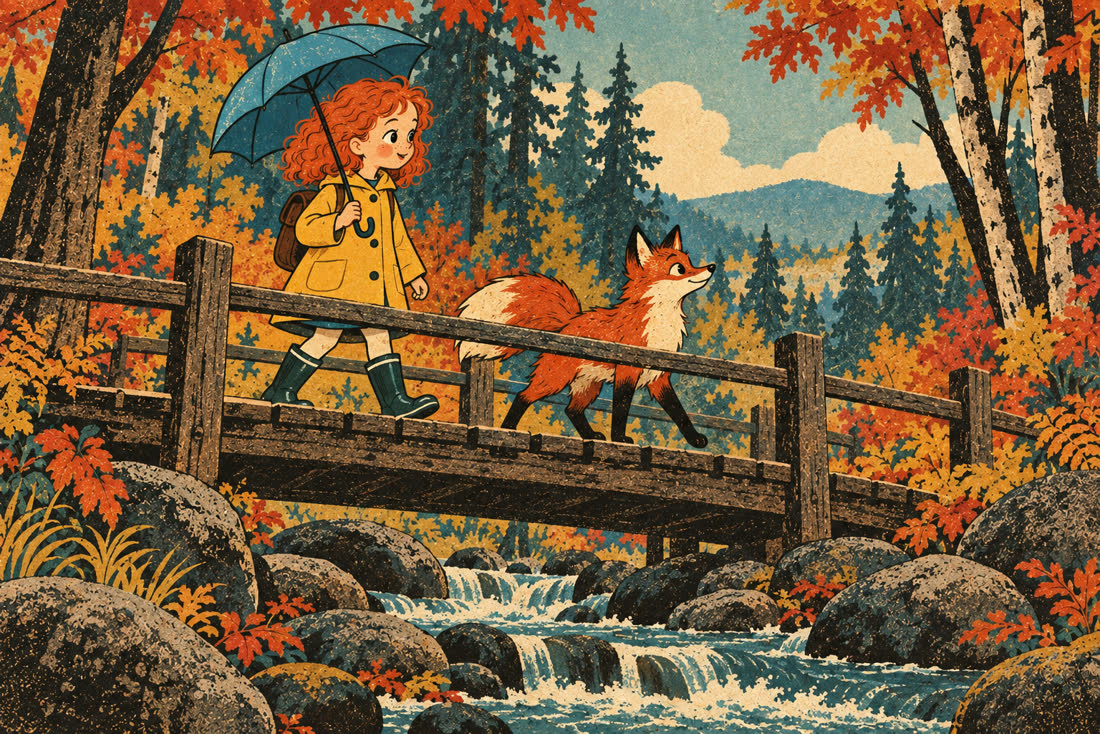
Prices only matter next to output. Below, GPT Image 2 · medium and GPT Image 2.5 · high are compared at exactly the same cost — both burn 1,372 output tokens, $0.0412 an image. Same prompt, same character, ten visual styles. The second scene of each pair was generated with that model's own first scene passed as a reference image, which is how you test whether a model holds a subject across shots.
Each style shows four images. The top row is scene 1 from both models, the bottom row is scene 2, each generated from the scene 1 directly above it. So read across to compare the two models, and read down to see what a model keeps from its own previous shot. The two models start from different seeds, so their compositions differ by design — that is not the thing being measured. Click any image to open it full size.
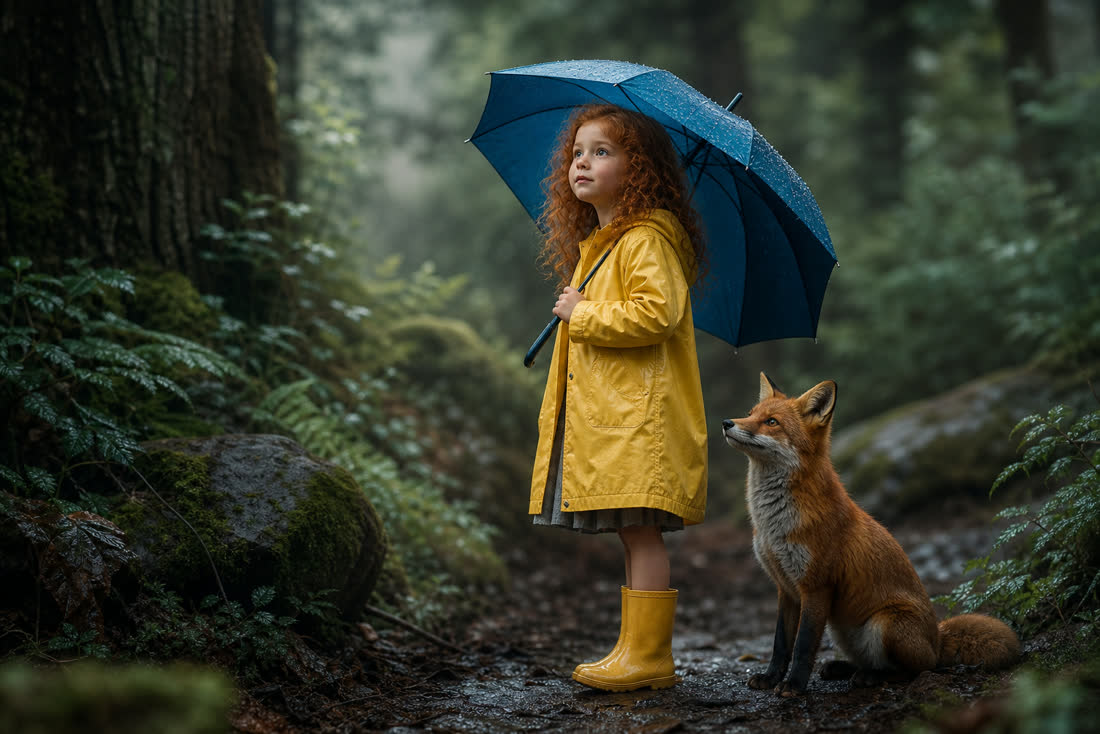
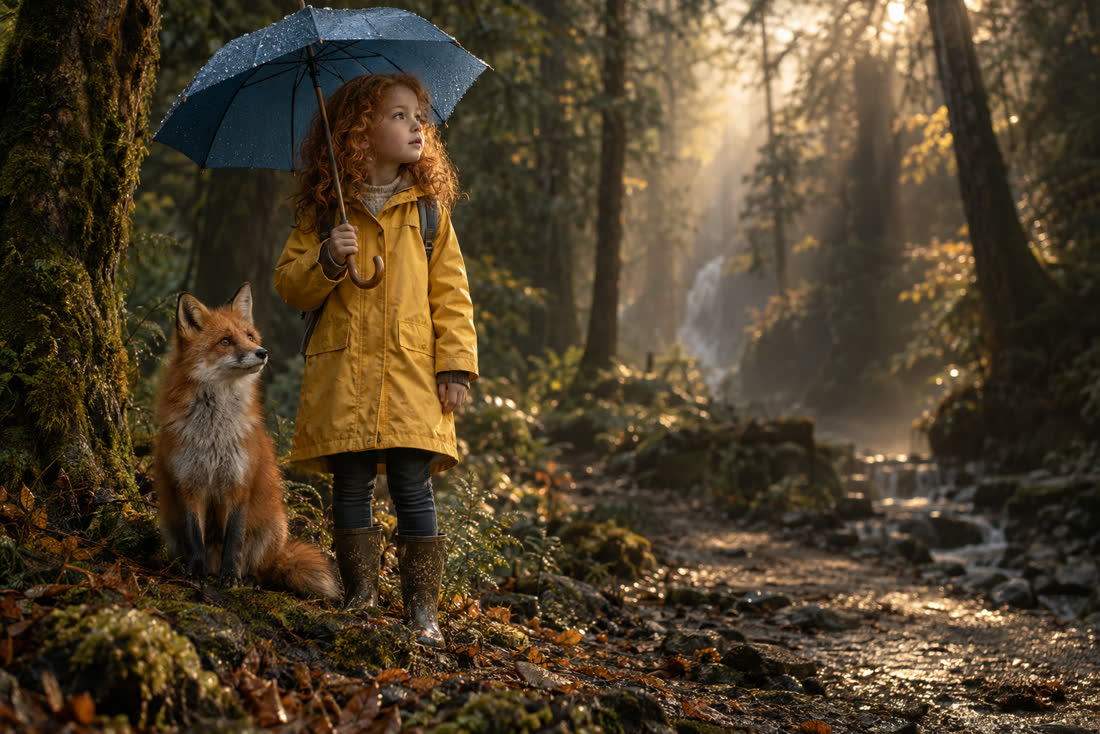
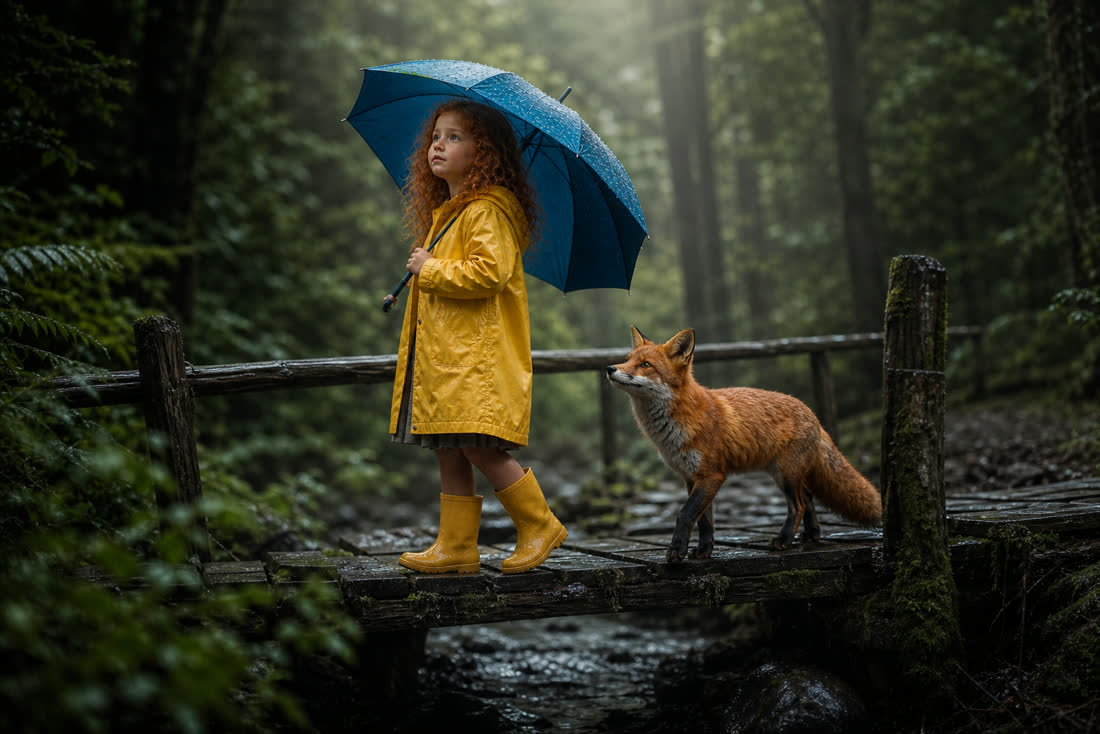
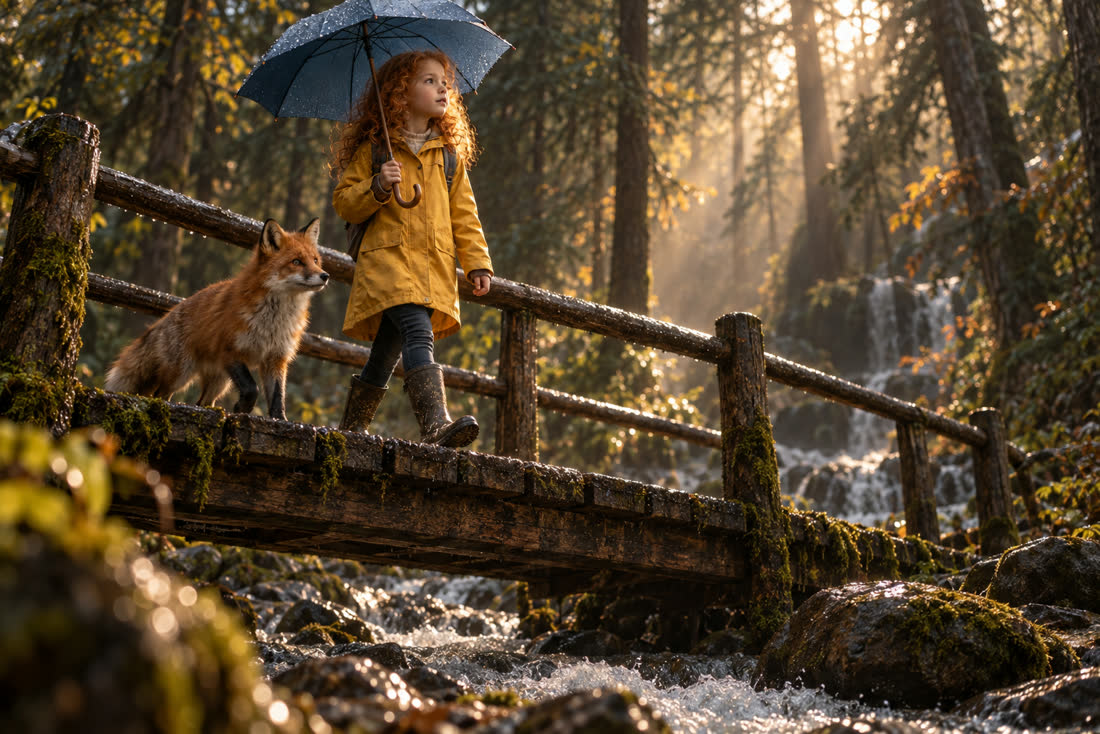
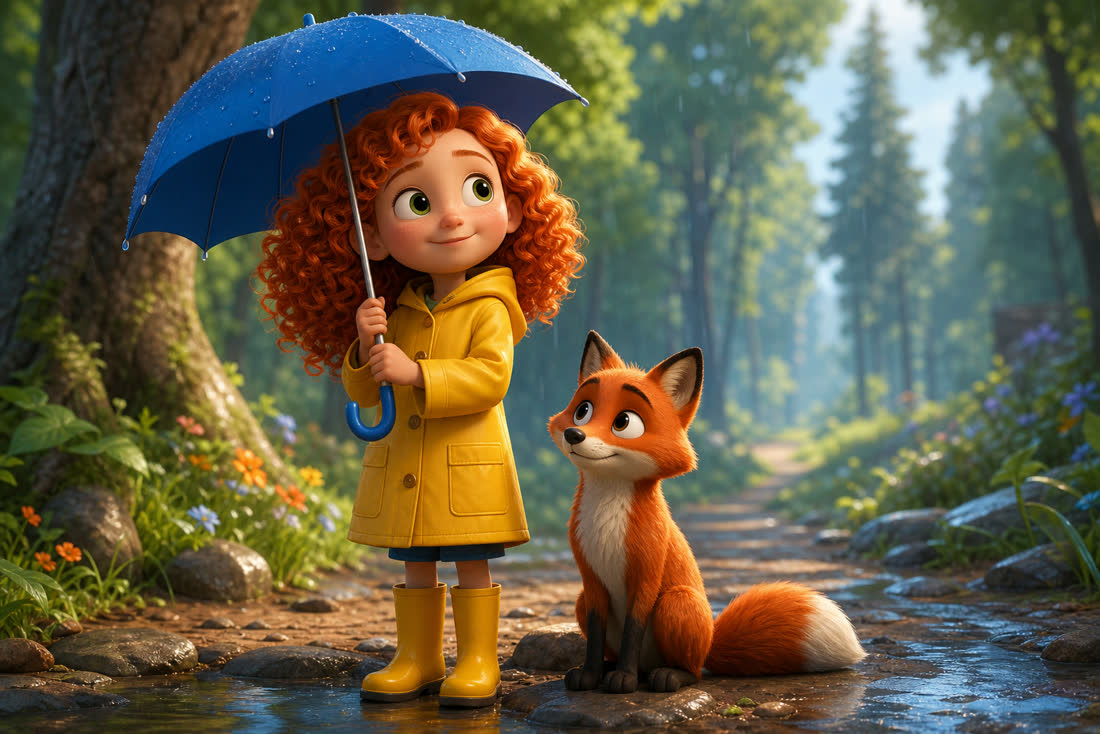
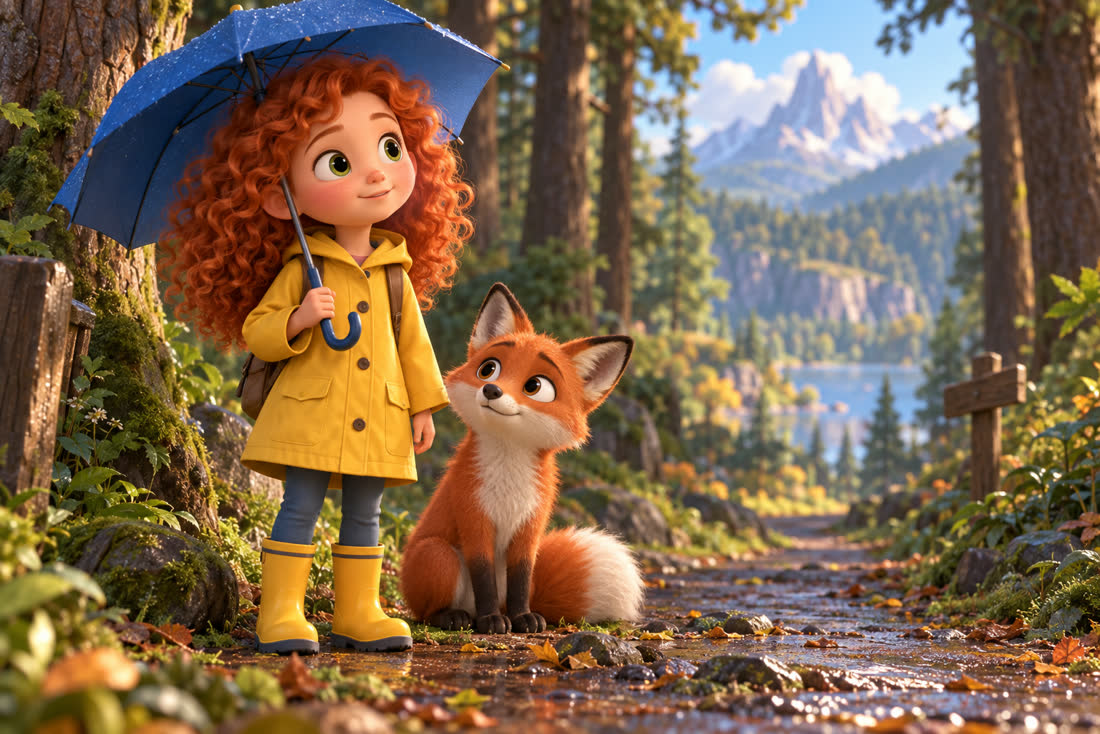
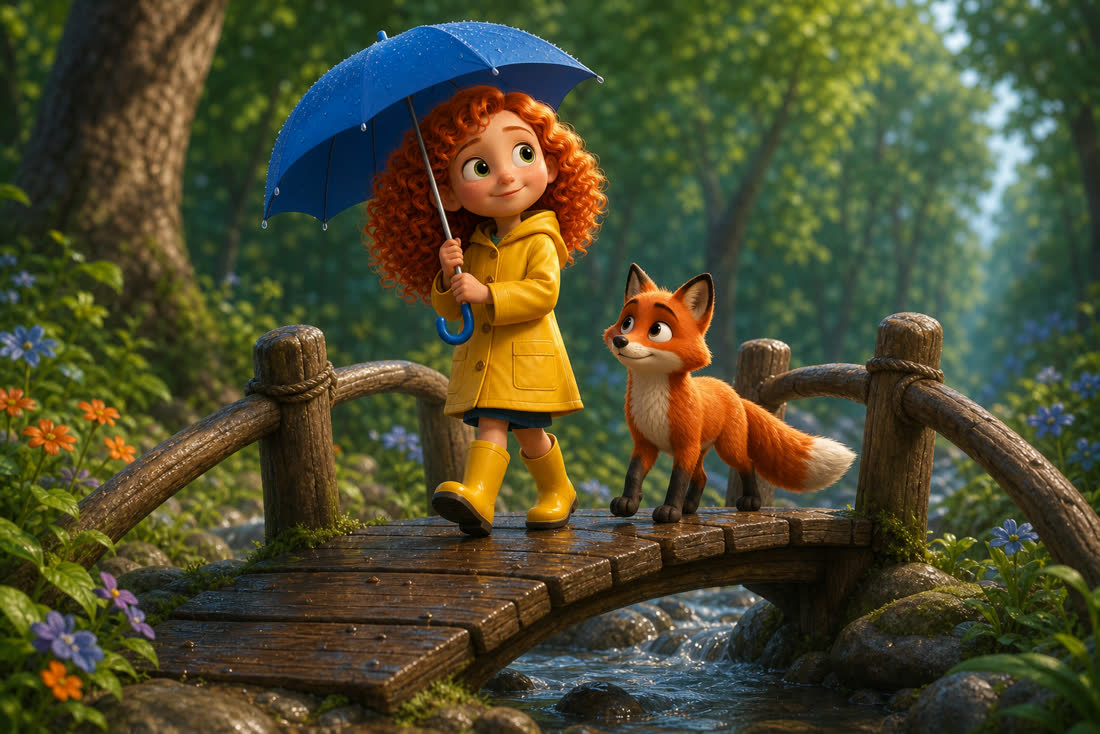
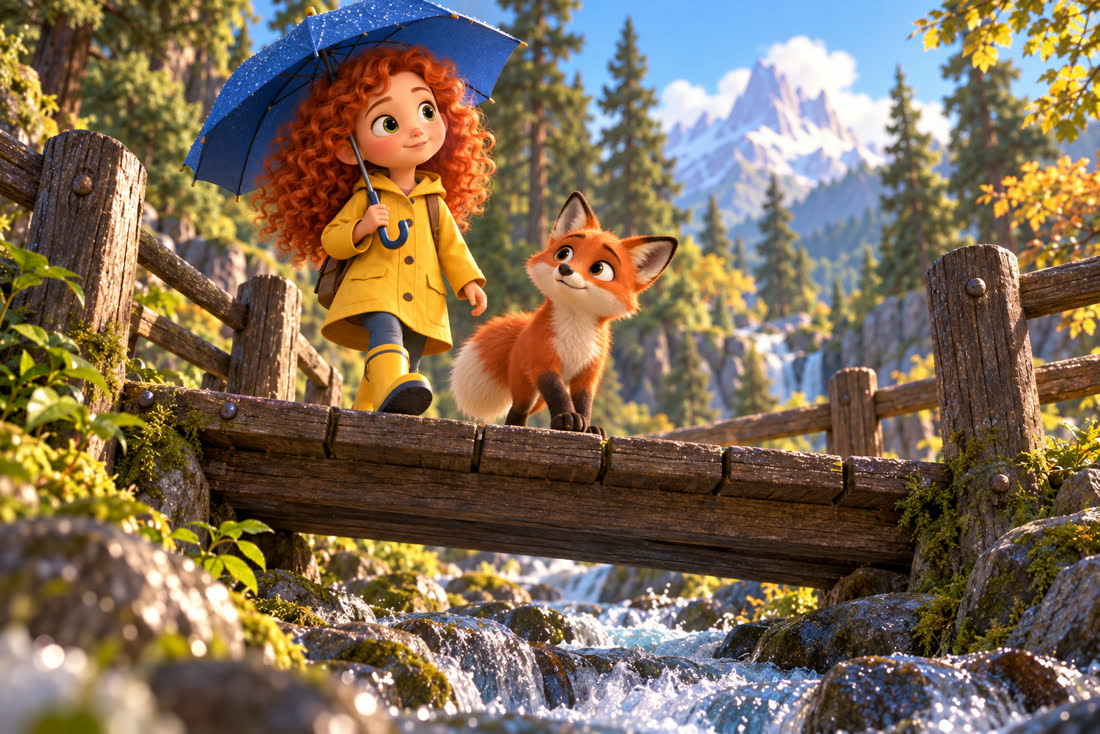
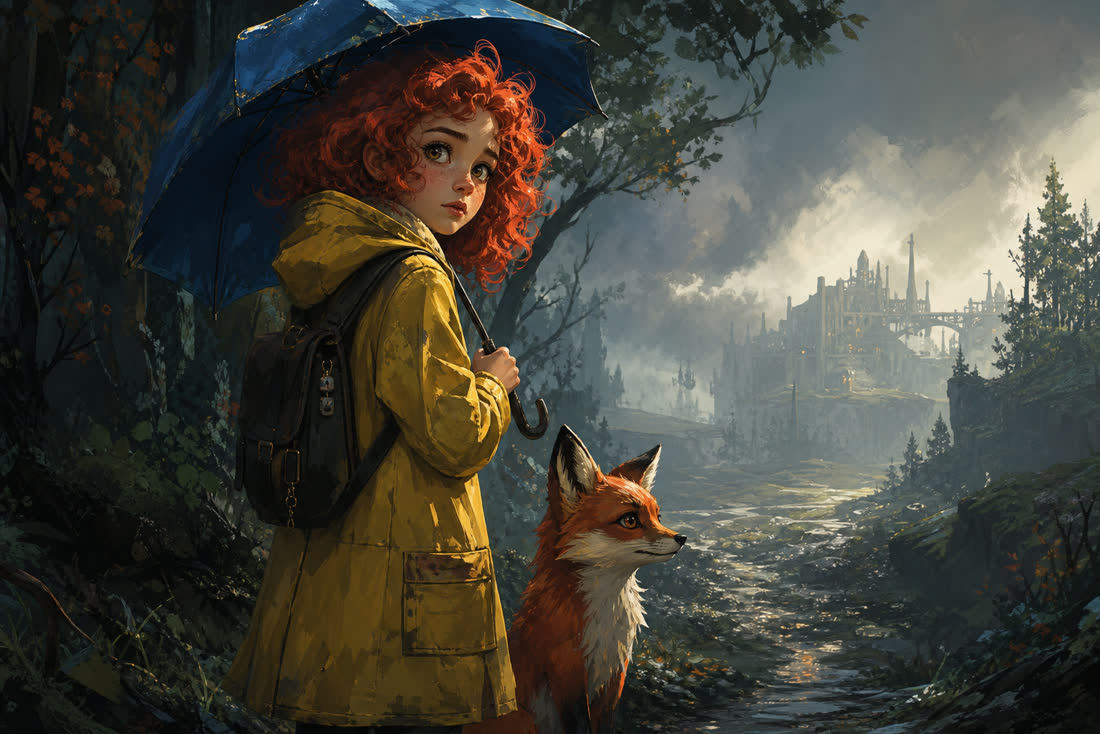
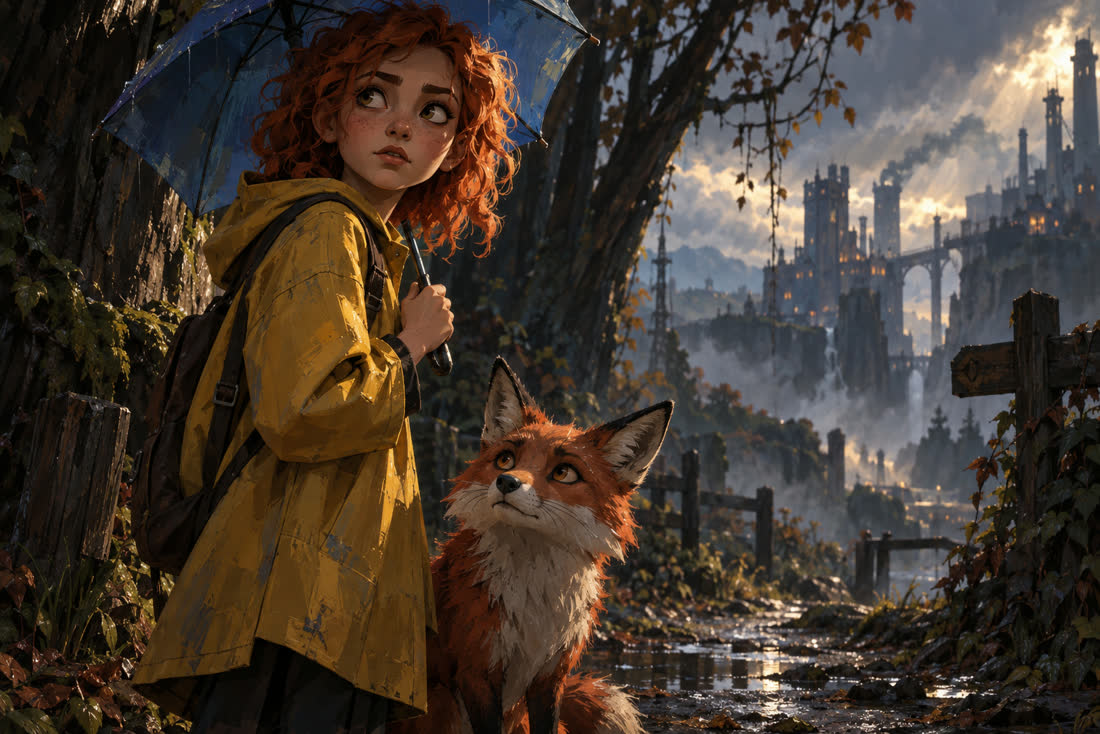
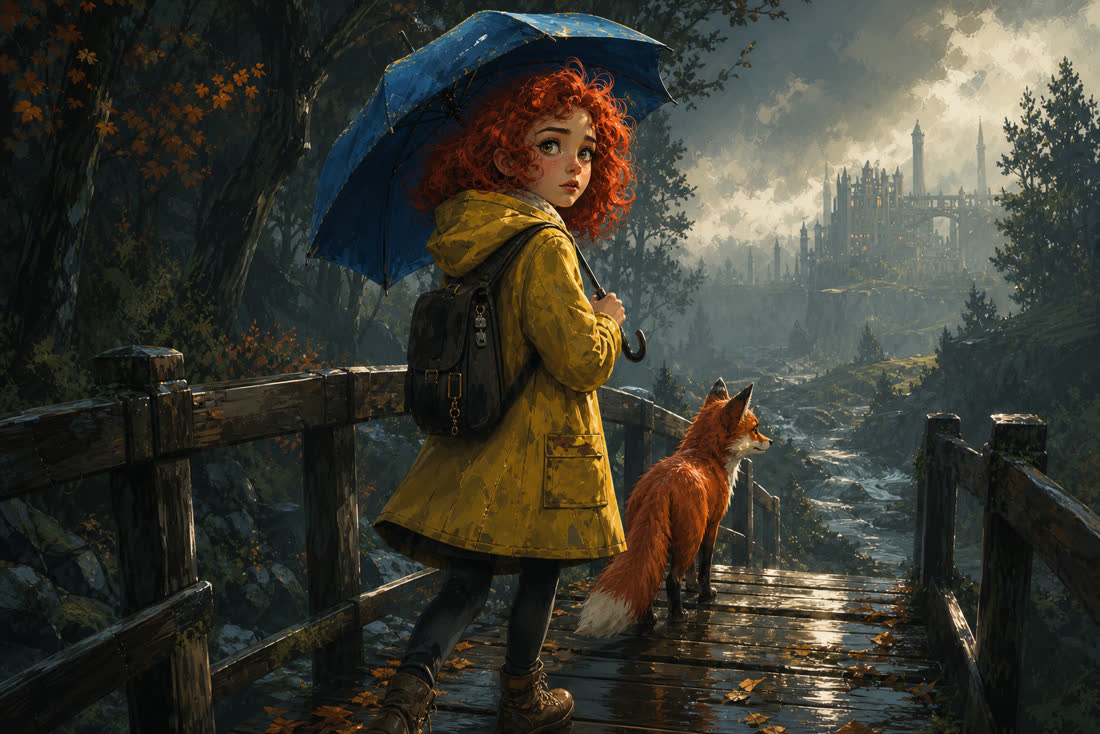
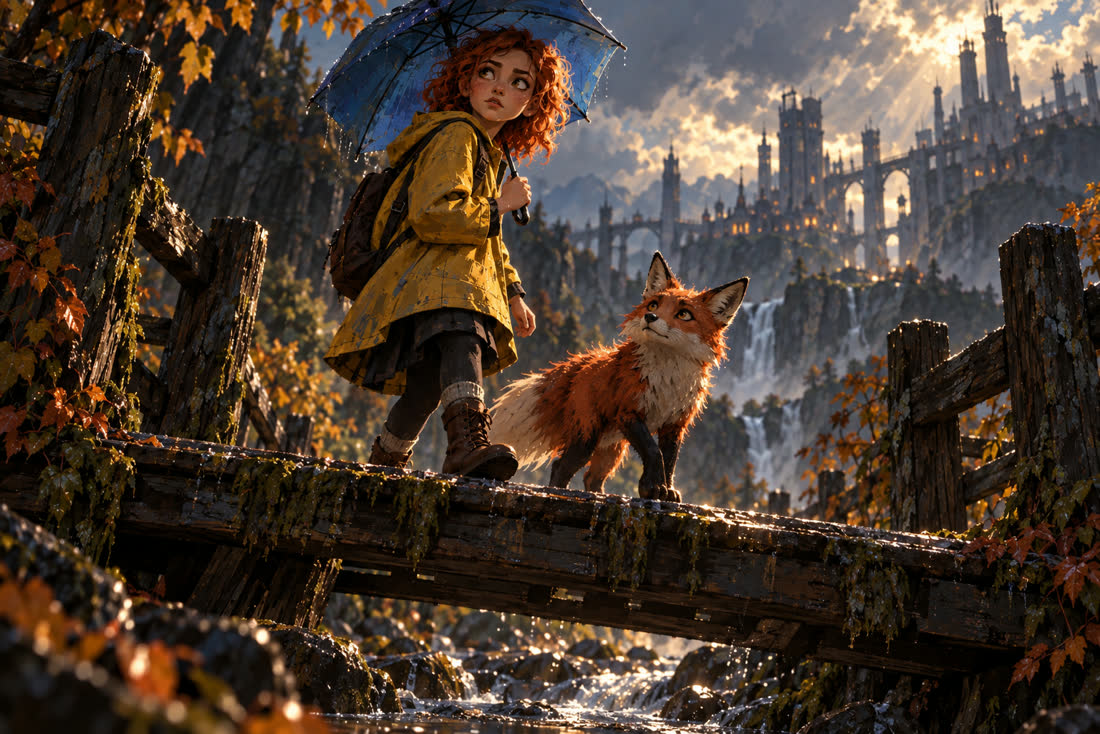

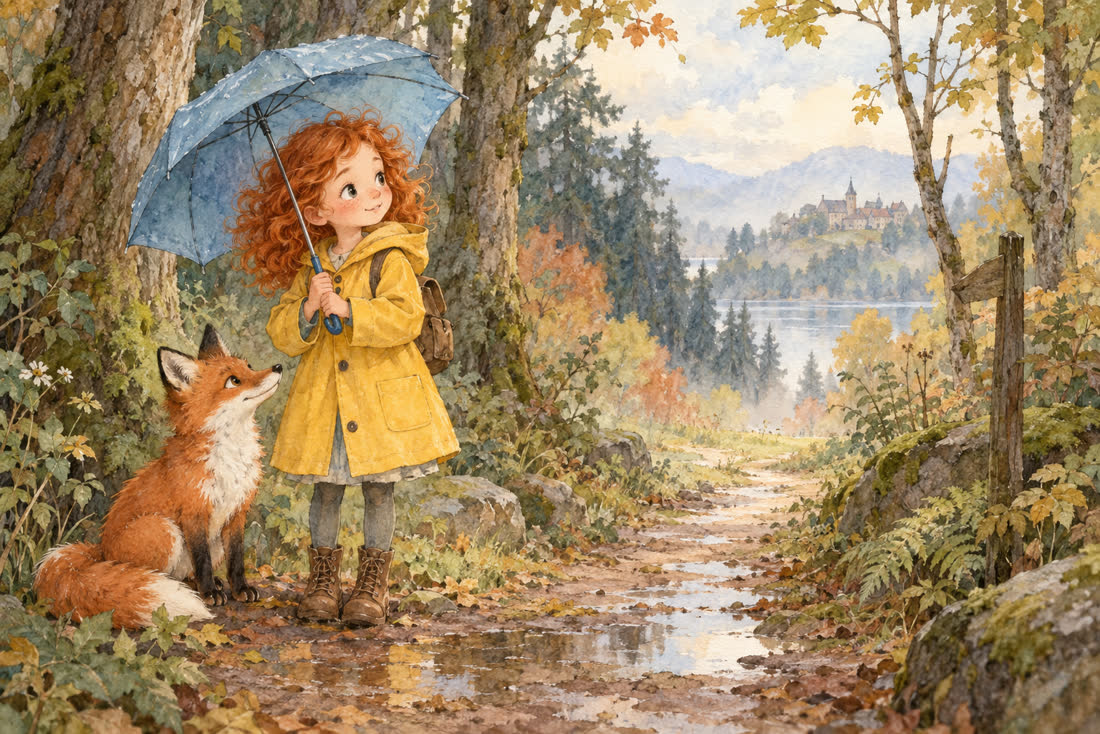
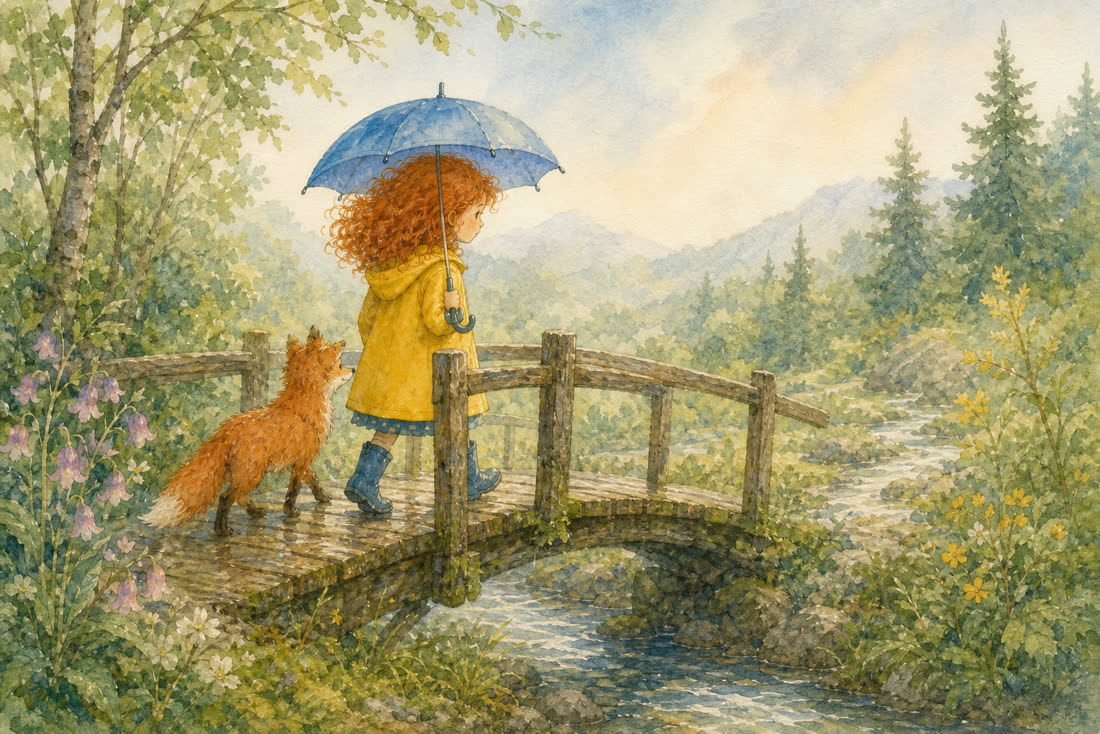

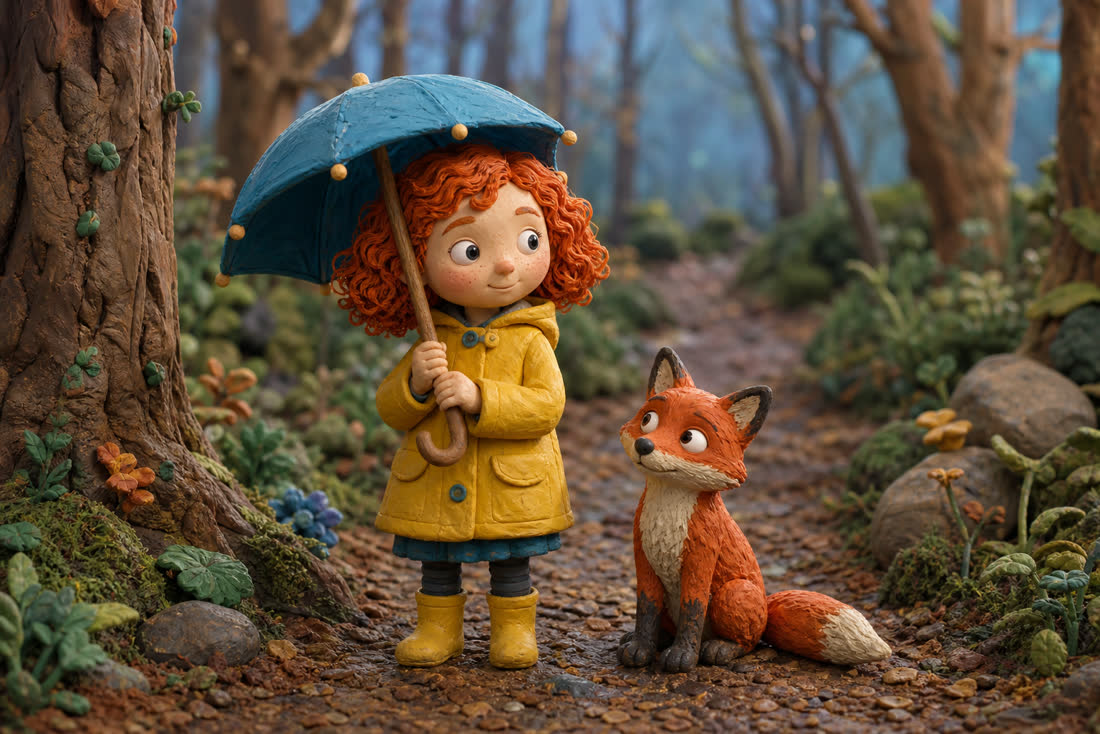
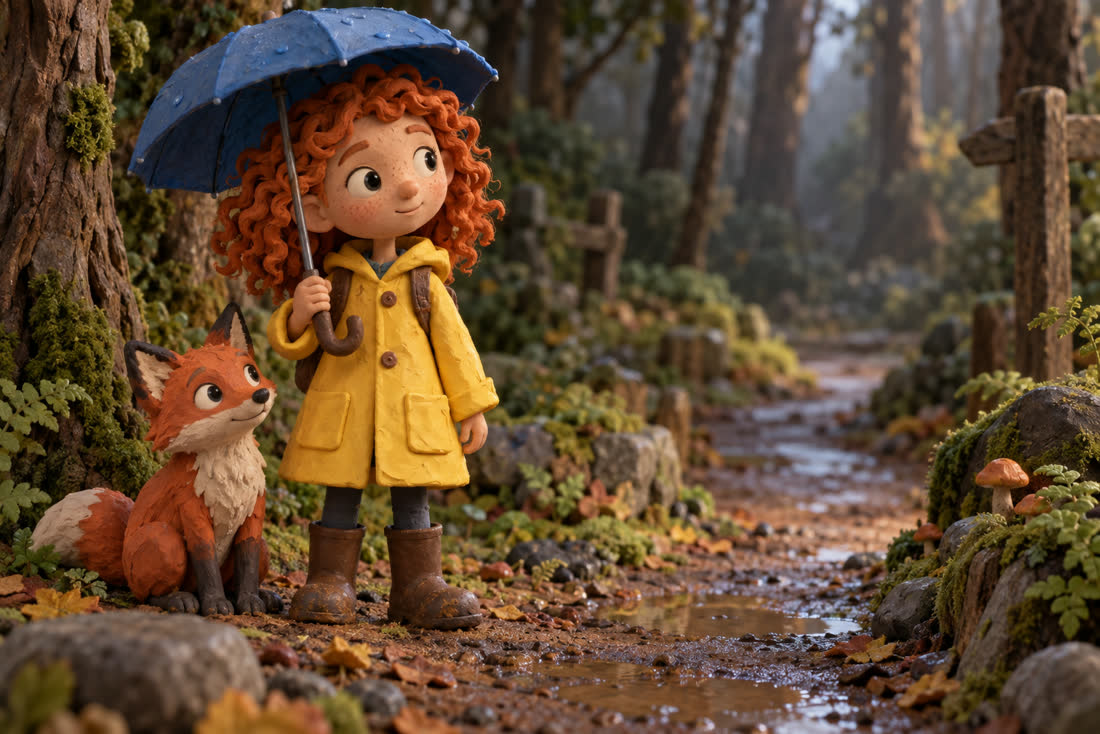
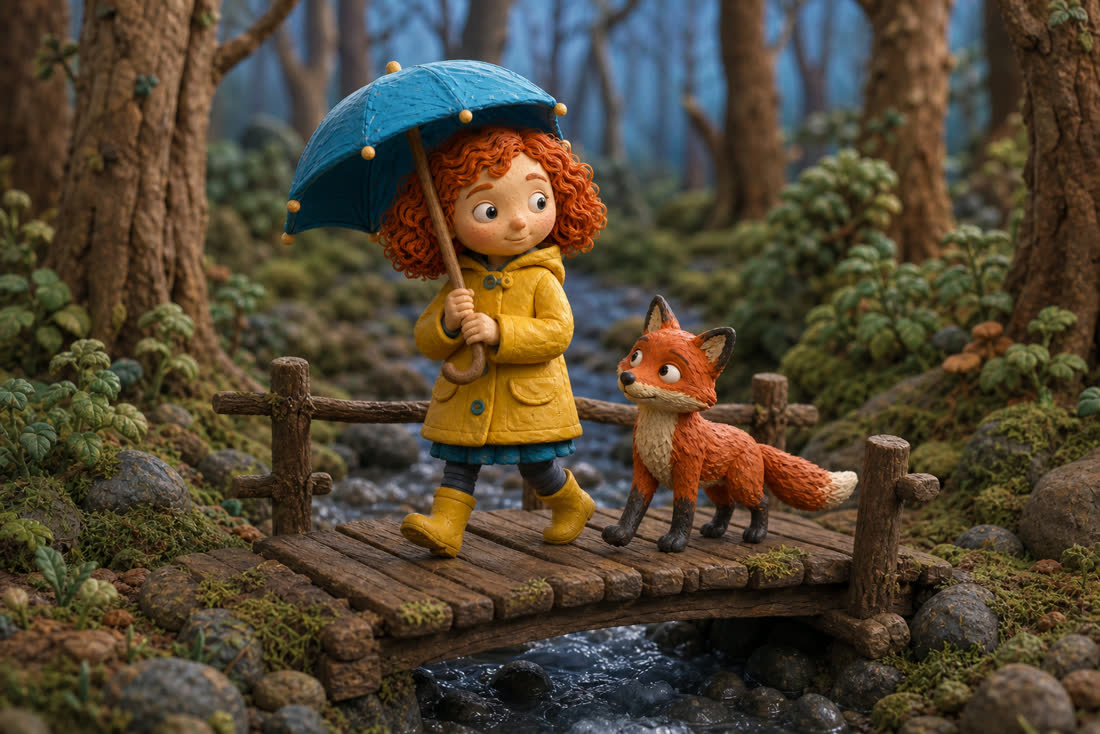
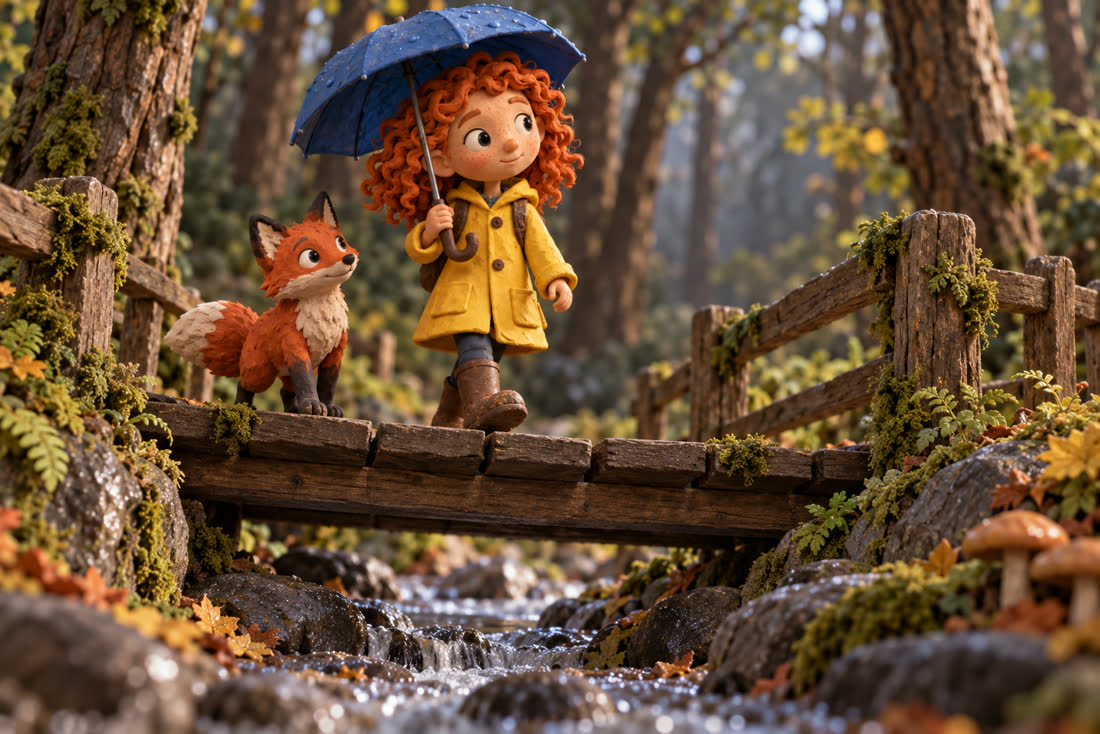
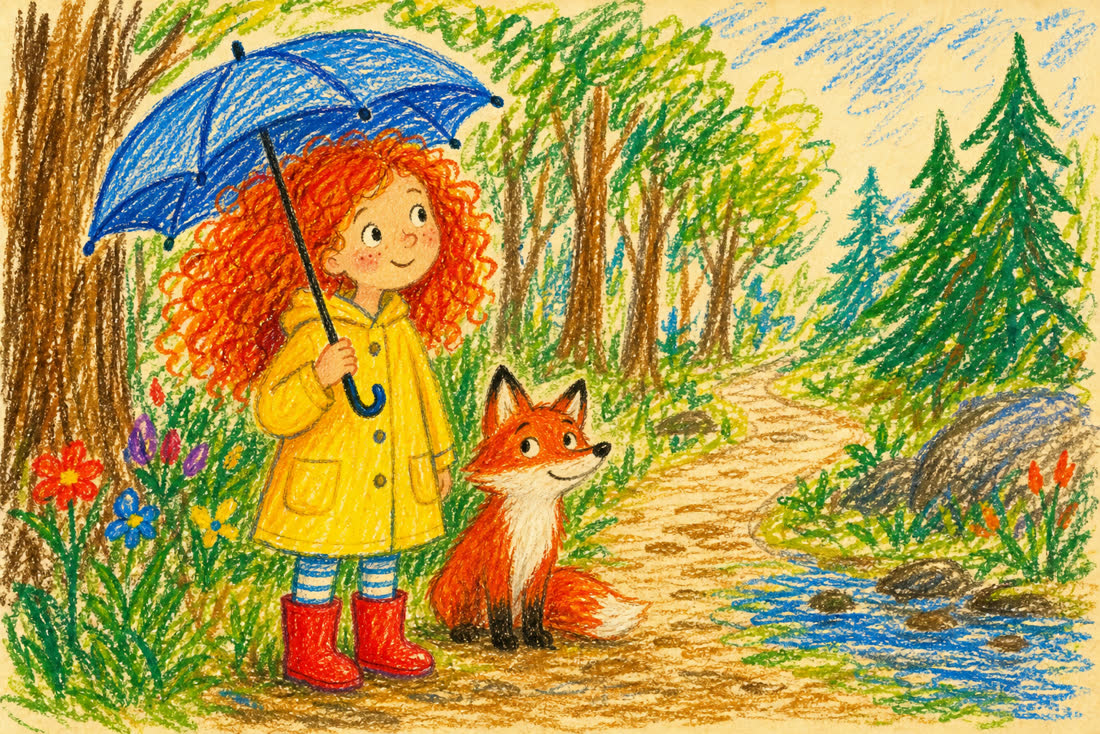
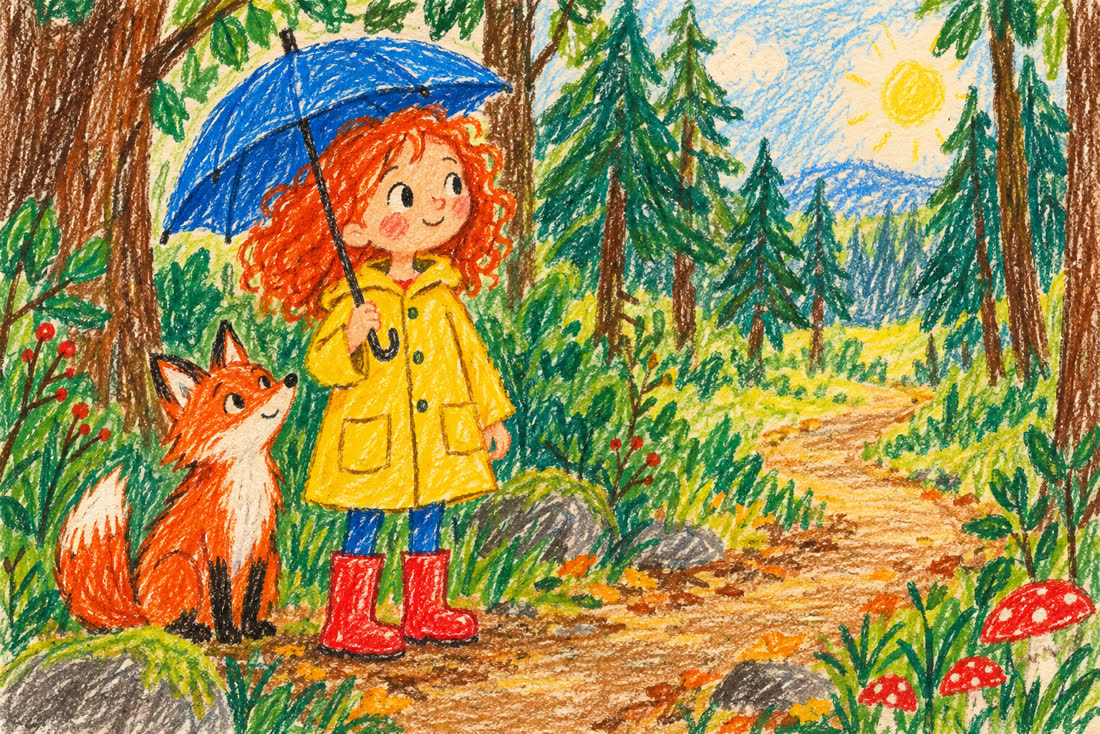
What we found
Character consistency is not where the gain is. GPT Image 2 already held the coat, the hair and the boots from one scene to the next across every style we tried. If you were hoping 2.5 fixes character drift at this quality level, it was not the problem to begin with.
The visible gain is scene continuity. GPT Image 2.5 carries the setting forward, not just the subject: the waterfall and autumn foliage in the photorealistic pair, the mountain peak and lake in the Pixar-style pair, the village and stone house in the Ghibli pair all survive into the second scene. For a video made of twenty shots, that is the difference between a sequence of images of the same character and a place that holds together.
And one place it is worse. On paper cutout, 2.5's extra detail pulls the image toward a painted illustration and away from the flat, layered cut-paper look that GPT Image 2 renders more honestly. We checked whether the pattern repeated on crayon illustration — it did not, 2.5 stays faithful there — so this is specific to that style rather than a general rule. Worth knowing if a flat craft aesthetic is the point of your video.
Methodology
Every number on this page was produced by calling the OpenAI Images API directly on 9 September 2026 and reading the usage object returned with each response, not by reading documentation. Generations were 1536×1024 with gpt-image-2.5-sunburst and gpt-image-2; edits passed one PNG reference of the same dimensions. The comparison images are unretouched API output, resized for the web and otherwise untouched. Token consumption can change without notice when a provider updates a model, so treat these as a snapshot and re-measure before committing a budget. Per-token rates ($5 text input, $8 image input, $30 image output per million) are OpenAI's, from its API pricing page, checked on 23 September 2026.
We build TubeTube, which turns written words into finished multi-scene videos, and we ran this comparison to decide which image model to put in front of our own users. GPT Image 2.5 is available there at four quality tiers (low, medium, high and max), among nine image options that also include Gemini 3 Pro, Nano Banana 2.1, Flux 2 Pro and Seedream 5 Lite. If holding one character across a long video is your problem, that gets its own page: AI character consistency.
Frequently asked questions
How much does one GPT Image 2.5 image cost?
At 1536x1024, measured on the API: $0.0047 on low, $0.0103 on medium, $0.0412 on high, $0.0738 on xhigh and $0.1646 on max. Image output is billed at $30 per million tokens, and those tiers consume 158, 343, 1,372, 2,459 and 5,488 output tokens respectively. Reference images are billed separately as input tokens.
Is GPT Image 2.5 cheaper than GPT Image 2?
The per-token rate is identical ($5 text input, $8 image input, $30 image output per million). What changed is consumption. GPT Image 2.5 sits one rung lower on the same ladder: its medium costs 343 output tokens where GPT Image 2's medium costs 1,372, and its high costs 1,372 where GPT Image 2's high costs 5,488. On low, both consume exactly 158 tokens, so they cost the same.
Is gpt-image-2.5-sunburst more expensive than gpt-image-2.5-flare?
No. We measured both at every tier and they consume exactly the same number of output tokens, so they cost the same, and OpenAI lists the same token rates for both ($5 text input, $8 image input, $30 image output per million). The choice is quality versus speed: OpenAI's model pages call sunburst its most capable model for image generation and editing and describe flare as fast, high-quality everyday image generation, and flare returned images 2 to 4 times faster in our tests.
How much do reference images add to the cost?
A 1536x1024 reference image costs 1,536 input tokens, which is $0.0123 at the $8 per million image-input rate, and that is the same on GPT Image 2 and 2.5. It is not a rounding error: on the low tier, references are roughly 87% of the total cost of a call that sends three of them. GPT Image 2.5 also rejects the input_fidelity parameter, so there is no setting to make them cheaper. The only lever is sending fewer.
Why does OpenAI's calculator not work for GPT Image 2.5?
OpenAI says so directly on the GPT Image 2.5 model pages: token rates match GPT Image 2, but the GPT Image 2 calculator does not estimate GPT Image 2.5 token consumption. OpenAI's pricing page lists GPT Image 2.5 per million tokens only, with no per-image table, which is why the figures on this page were measured by calling the API and reading usage.output_tokens on the response.
Does a square image cost the same as a landscape one?
No, and not in the direction most people expect. At the low tier we measured 158 output tokens for 1536x1024 and for 1024x1536, but 196 tokens for 1024x1024. The square format costs more than either landscape or portrait, so if the framing is yours to choose, landscape and portrait are the cheaper options.