AI video generator for YouTube
By Arsène Huot, founder of TubeTube · Published · Updated
This page is about the AI video generator for YouTube itself, the AI YouTube video maker that turns your text into an upload-ready file: what one run produces, which engines speak, what it costs and what it won't do. The other YouTube guides each answer a different question. AI YouTube automation covers which steps of a channel automate, what stays manual and how to drive the pipeline from the API or CLI. How to make faceless YouTube videos with AI is the step-by-step tutorial. Faceless YouTube channel ideas ranks 13 niches, and how much faceless YouTube channels make has our measured earnings by country.
What does an AI video generator for YouTube actually have to do?
Almost every tool sold as an “AI video generator” is really a clip engine. Type a prompt, get eight seconds of footage. That's useful for a Short and useless for a YouTube upload, because a real video needs audio that stays coherent for minutes and a character who still looks the same in scene 40. Stitching thirty clips by hand is where most people quit.
So the bar for YouTube is higher than raw clip quality. The tool has to write or accept a full script, produce the narration or the song, cut the visuals against that audio so the scene changes land on the right words, keep the look locked across every scene, and hand back one file. That's the pipeline TubeTube runs. The step-by-step version of the same workflow is documented in how to make faceless YouTube videos with AI.
Long-form 16:9, not another vertical 8-second clip
TubeTube is built for the format YouTube actually pays for. Videos run from about fifteen seconds up to roughly ten minutes, so a run can clear the 8-minute mark where mid-roll ads become possible. Songs are clamped between one and five minutes. Length isn't a slider you fight with, it comes from your text: narration is timed at around 14 characters read per second, so a 4,000-character script simply becomes a longer video with more scenes.
In narration and song runs, the audio comes first. A voice from the ElevenLabs library (filterable by language, gender, age and accent, with a preview before you commit), a Suno song written from your lyrics, a track from ElevenLabs Music, or an mp3 you upload. That audio is then transcribed word by word so the storyboard can be cut against it. The scene changes land on the beat of the sentence rather than on an arbitrary timer, which is the single thing that makes a long AI video feel edited instead of assembled. Vertical 9:16 is available too, but the thumbnail is only generated for 16:9.
What one run gives you
You launch once and walk away. A finished video takes about 15 minutes to generate (median of 984 videos, September 2026); a quarter finish in under 10 minutes and nine in ten in under 32. What lands in your project when it finishes:
- The final mp4. One multi-scene 16:9 video, already assembled and synced to the audio, ready to upload.
- Every scene image and every scene clip, as separate files, so you can re-cut or reuse them elsewhere without regenerating anything.
- A YouTube thumbnail on 16:9 videos, with your own title text if you want one, in one of 8 lettering styles or a style you describe yourself.
- The audio track on its own, plus optional generated background ambience mixed under the voice (it's off by default, you turn it on).
- Every file in one click, so the whole project is on your own drive the moment it's done.
No captions are burned into the picture. The engines are explicitly instructed not to render captions or on-screen text, so you add your own subtitles in YouTube Studio afterwards and they stay editable and translatable. If a single scene misses, you regenerate that one scene and pay for it alone rather than for a whole new run. Rebuilding the final edit afterwards costs nothing.
Watch the full video, narration script and recipe →
Which engines and visual styles do you get to pick?
You choose the model instead of being handed whatever the vendor negotiated. Sixteen engine presets are selectable, and they don't behave the same way at all. Kling 3 takes any clip length between 3 and 15 seconds, billed per second, which matters when a shot needs to breathe. Three engines can speak the lines inside the clip in dialogue mode, rather than leaving you a voice-over laid on top of a mute picture: Veo 3.1 in 12 script languages, Kling 3 in English, Chinese and Spanish, and Gemini Omni Flash, where English is the language Google documents as fully supported and French is one we verified ourselves. Hailuo 2.3, Seedance 2 and Kling 2.5/2.6 render silent clips, and the narration or music is mixed over them in the edit.
| Engine | Resolution | Clip length | Speaks in the clip |
|---|---|---|---|
| Veo 3.1 and Veo 3.1 Fast | 720p or 1080p | 4, 6 or 8s | Speech in dialogue mode (12 script languages); otherwise silent, audio added in the edit |
| Kling 3 Standard | 720p or 1080p | Any length from 3 to 15s | Speech in dialogue mode (English, Chinese, Spanish); otherwise silent, audio added in the edit |
| Kling 2.5 Pro and Kling 2.6 Pro | 1080p | 5 or 10s | Silent clip; narration or music added in the edit |
| Hailuo 2.3 | 768p | 6 or 10s | Silent clip; narration or music added in the edit |
| Seedance 2.0 Pro, Fast and Mini | 720p, 1080p on Pro | 5 or 10s | Silent clip; in English dialogue mode the lines are voiced by ElevenLabs on top |
| Gemini Omni Flash | 720p | 4 to 10s | Speech and ambience rendered in the clip in dialogue mode (English supported by Google, French verified by us); otherwise silent, audio added in the edit |
A deeper head-to-head on motion quality and cost sits in Kling vs Veo vs Hailuo.
On the look, the catalogue holds 113 visual styles, a short list featured up front and the rest in a searchable library, and you can also just describe your own in free text. Twelve image models are available for the stills, from GPT Image 2.5 (in four finish levels, up to Max) to Gemini 3 Pro and Flux 2 Pro. On the motion side you get 13 animation styles, plus a custom motion description, running from natural camera movement all the way to stop-motion. And because character drift is what makes a long AI video fall apart, you can attach up to five reference images that get injected at the head of the generation context. That problem gets its own page: AI character consistency.
Is there a free AI video generator for YouTube?
Here's the honest version, because this query attracts a lot of vague answers. In most countries, signing up gives you 1,000 credits, no card required, valid for 7 days. They aren't granted everywhere: in India, a one-off $4 pack of 1,000 credits replaces them. There is no recurring free plan afterwards. Paid plans run $22, $49, $129 and $399 a month, 10% cheaper billed annually, and a credit costs roughly $0.011.
What a video really costs: A 2-3 minute video costs a median 807 credits, about $9 at the base rate of $0.011 per credit; half of them cost between 685 and 1,129 credits ($7.50-12.50), measured on 246 videos in August-September 2026. The exact quote is shown before launch and unused credits are refunded. So the welcome credits cover about one 2-3 minute video.
The watermark question deserves the same directness. Your video is stored in full quality, without any watermark. Files downloaded before you subscribe carry a small tubetube.io mark. Subscribe and every download from that project, and all your other ones, becomes clean again, retroactively. Nothing you made on the welcome credits is wasted. Credits you buy never expire either, only the signup gift does.
Before spending anything, the public community feed is worth ten minutes. It's viewable without an account, every post carries the recipe behind it, and you can remix those settings into your own run instead of starting from an empty prompt.
Will YouTube monetize a channel made with AI?
Yes, with conditions: YouTube's inauthentic-content policy (renamed from “repetitious content” on 15 July 2025) demonetizes mass-produced, template-like uploads, while the same policy page lists using AI to visualize a character and narrative you invented among the uses that can still earn, and realistic AI content must be disclosed with the ‘AI use’ setting at upload. What a channel then earns depends on niche and audience country, measured in how much faceless YouTube channels make, with 13 formats ranked by difficulty and RPM in faceless YouTube channel ideas.
What it doesn't do
Worth knowing before you sign up, because these are real limits rather than a roadmap tease. There's no automatic subtitle or SRT export, no engine that renders above 1080p, and no upscaling of the finished file (videos come out at 720p to 1080p), and no SEO description written for your upload. There's no permanent free tier. It also won't upload on your behalf. If any of those is a dealbreaker, the honest capability matrix against the rest of the field is in best AI long-form video generators.
What it does do beyond a single run is worth weighing against that. A finished video can be dubbed into 24 languages, up to 5 per launch, which is how one script becomes a multi-language channel network without re-rendering the visuals. Dialogue mode lets the video engine speak the lines directly, with a cast of up to 20 voices carrying their own timbre and appearance across scenes. The same pipeline also covers a lot of formats beyond the documentary look, from bedtime stories to lofi channels, which you can browse in use cases. And if you publish on a schedule, the same run can be launched from a script through the public REST API or the tubetube CLI, which is how the AI YouTube automation guide batches videos.
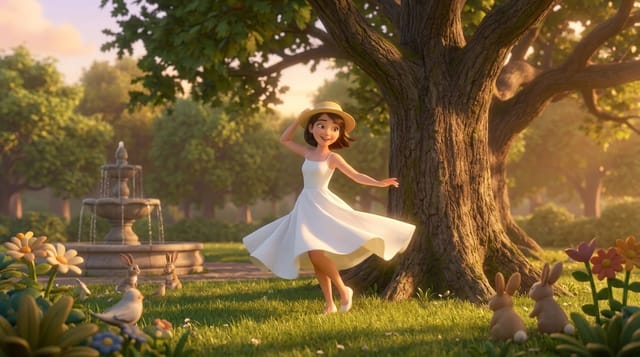
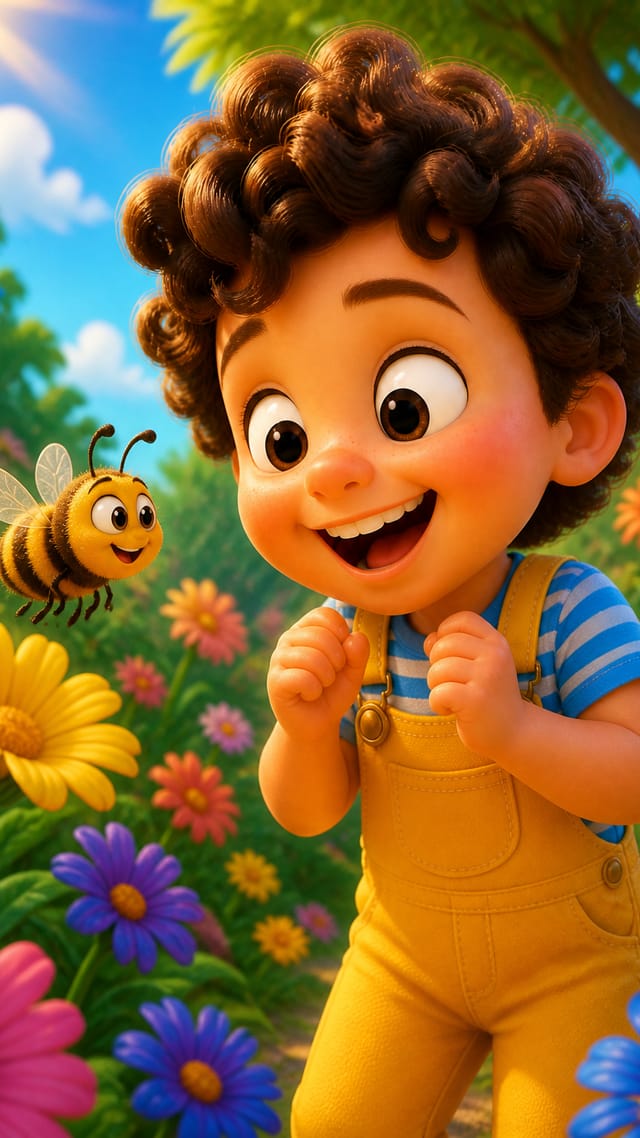
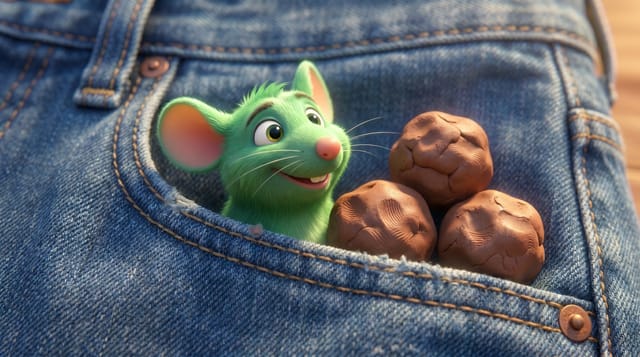
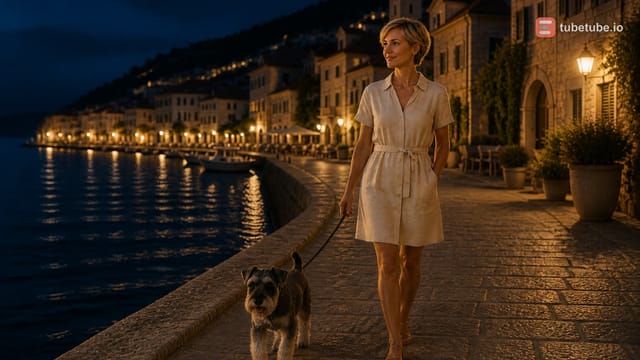
Real examples: music videos made with TubeTube
Finished videos from the community gallery, each with its full recipe (style, engine, voice, lyrics or script) that you can remix with your own words.

Frequently asked questions
What is an AI video generator for YouTube?
It's a tool that turns written text into a finished, uploadable video instead of a single clip. On TubeTube you write a script or lyrics and pick a voice and a visual style. The pipeline then generates the audio, cuts a storyboard against it word by word, generates an image and then a clip for every scene, and assembles the whole thing into one 16:9 mp4 with a YouTube thumbnail. You download it and publish it yourself.
Is there a free AI video generator for YouTube?
In most countries, new accounts get 1,000 credits at signup, valid for 7 days, with no card required; they aren't granted everywhere (in India, a one-off $4 pack of 1,000 credits replaces them). That covers about one 2-3 minute video, which costs a median 807 credits. There's no permanent free plan after that. Paid plans are $22, $49, $129 and $399 a month, 10% cheaper billed annually, and one credit costs about $0.011. Every paid plan exports clean, watermark-free mp4s. Downloads made on the welcome credits carry a small tubetube.io mark, your master is still stored in full quality without it, and subscribing makes every download clean again on every video you've ever made.
How long can an AI-generated YouTube video be?
The target-duration picker tops out around 6 to 10 minutes, and the hard cap is 10 minutes per run. Songs are clamped between 1 and 5 minutes. Length follows your text, since narration is timed at roughly 14 characters read per second, so a longer script simply produces more scenes.
Will YouTube monetize videos made with an AI video generator?
Yes, if the videos are original. YouTube's monetization policy, whose 'repetitious content' rule was renamed 'inauthentic content' on 15 July 2025, targets mass-produced, template-like uploads, and its own examples of content that can be monetized include using AI to visualize a character and narrative you invented. You do have to disclose realistic AI-generated or altered content with the 'AI use' setting in YouTube Studio at upload. What keeps a channel clear is original visuals plus real human curation between runs.
Does it add subtitles and upload to YouTube for me?
No to both, on purpose. TubeTube generates clean visuals with no burned-in text, so you add captions yourself in YouTube Studio or your editor and they stay editable and translatable. It also doesn't publish for you. You download the mp4 and upload it yourself with your own title and description, which is exactly the human step that keeps a channel policy-safe.
Can I make Shorts with it too, or only 16:9?
Both formats are available, 16:9 and 9:16. The pipeline is built around long-form 16:9 and only 16:9 videos get a generated YouTube thumbnail, but a vertical run works the same way if you want Shorts as a discovery funnel feeding your long-form uploads.