AI educational kids video generator (ABC, numbers, colors and more)
Published · Updated · written by a team running real multilingual faceless channels
What is an AI educational kids video generator?
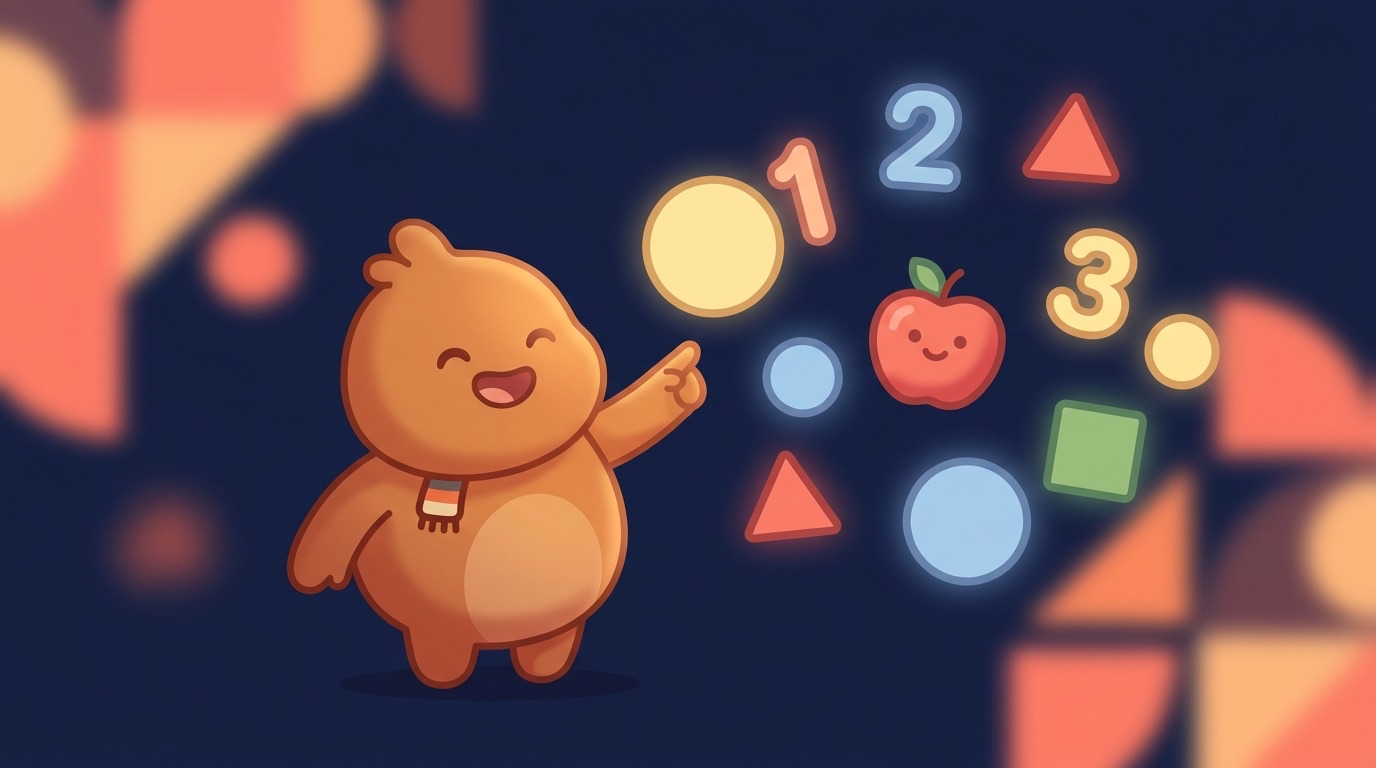
This one's for learning content aimed at young kids: ABCs, counting, color names, shapes, and gentle first-science like seasons or animals. You hand it a lesson and it comes back with either an educational song or a narrated lesson, plus the scene visuals, animation and a final cut, all in one run. The job here isn't flashy storytelling. It's clarity and repetition, so a toddler actually absorbs the idea. And there are really two audiences at once: the little kids watching, and the parents and teachers who decide what they watch.
How do you make a learning video for kids with AI? (song or narration)
Six steps take you from a single concept to a publishable, made-for-kids lesson:
1. Pick the lesson and decide song or narration
Start from one small concept a toddler can hold: the letter A, counting to ten, the color red, the shape of a triangle, why the sky is blue. Decide early whether it lands better as a catchy song or a calm narrated lesson, because that choice drives everything downstream, including the audio engine.
2. Write the lyrics or the lesson script
For a song, write short repetitive lyrics with a hook a 3-year-old will chant back. For a narrated lesson, write plain, slow sentences that name and re-name the thing. Roughly 2,000 characters of text makes about a 3-minute video, and for young kids shorter and more repetitive usually beats longer.
3. Generate the audio (Suno song or ElevenLabs narration)
A song is sung as an AI music track via Suno. A lesson is read by an ElevenLabs voice. You can filter voices by language, gender and age and preview them, so you can pick a warm, friendly teacher voice rather than a flat robotic one. The audio is generated first because its exact word-by-word timing decides how long each visual holds on screen.
4. Build bright, repetitive visuals scene by scene
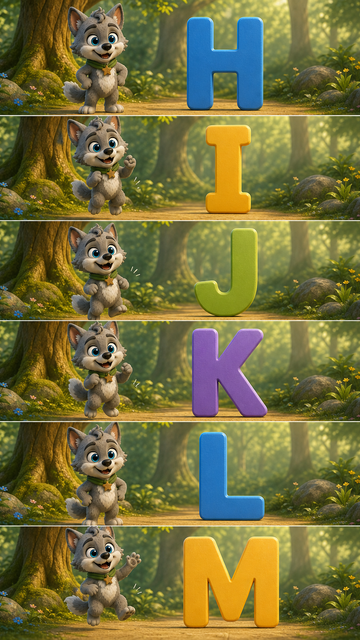
The audio is split into one scene every few seconds, and each scene gets its own image in a bright, friendly style from the 113 in the catalogue. Repetition is a feature here: the same big letter, the same counting objects, the same color filling the screen, so the lesson sticks. Each image is generated using earlier scenes as context (up to 5 reference images) so the world stays coherent.
5. Animate gently and auto-assemble
Each still is animated into soft, slow motion with a video model (Kling 2.6 Pro by default, or Kling 3, Veo 3.1, Hailuo 2.3) at 720p or 1080p. Gentle motion suits young viewers better than frantic cuts. The clips are then auto-edited to line up exactly with the song or narration timing.
6. Add sounds, review the report, export
Optional background sounds can sit under a narrated lesson (a song already has its track). If a scene needed a retry or a fallback, you see it in the generation report, so you can re-check anything before publishing made-for-kids content. Then export the final video and keep every scene asset for re-edits.
This is the same pipeline behind a sing-along AI kids song video, a narrated story to video, and the consistent-character work in AI character consistency. Browse real output in the community gallery.
Should an educational kids video be a song or a narration?
Both work, but for different lessons. Pick the mode that matches what you're teaching:
- Song (Suno). Best for memorization, the alphabet, counting to ten, color names, days of the week. A hook makes kids chant it back and replay it, which drives the high repeat watch time educational channels live on. This is the classic nursery-rhyme-style learning format.
- Narration (ElevenLabs). Best for explaining a “why,” why the sky is blue, how a caterpillar becomes a butterfly, where rain comes from. A calm, warm voice (filter by language, gender and age, then preview) teaches step by step, and you can layer soft background sounds under it.
A practical pattern: run songs for the rote-learning topics and narration for the curiosity topics, both on the same channel with the same character, so the channel feels like one friendly teacher.
How do you keep the same friendly character teaching across the video?
Consistency matters more in kids' content than almost anywhere, a familiar friendly face is exactly what makes little kids come back. TubeTube generates each scene sequentially, using earlier scenes as context (up to 5 reference images), so the teaching character, their outfit and the bright world stay the same from the first letter to the last. Without that, the “teacher” mutates between scenes and the video reads as random AI clips rather than a real learning series. See how character consistency works for the detail.
Can lessons be made in multiple languages for different markets?
Yes, and for educational content this is one of the biggest levers. One ABC or numbers video is a near-universal lesson, so you can dub a finished video into 24 languages, 5 at a time and reach English, Spanish, French, Portuguese and more from a single production. Dubbing is billed per minute per language, and any language that fails is automatically refunded, so the same lesson can quietly build several language audiences at once.
This is why kids learning channels scale so well multilingually: the concept (count to ten, name the colors) doesn't change across languages, only the words do.
Do educational kids channels make money?
Yes, but with a specific shape. Made-for-kids content falls under COPPA, so ads are non-personalized and RPM is low (what you keep per 1,000 views), and kids audiences often skew toward lower-RPM countries, which pushes it lower still. The flip side is that learning videos are evergreen and get unusually high repeat watch time, a toddler will replay the same counting song again and again, so a single good lesson can compound views for years. Volume and longevity, not RPM, are the play here. For real, measured numbers and why a low CPM in one country becomes a tiny RPM, see how much faceless YouTube channels make.
For story-led kids formats on the same pipeline, see the AI fairy tale video generator and the AI bedtime story video generator; for sleep music, the AI lullaby video maker.
Real examples: educational videos made with TubeTube
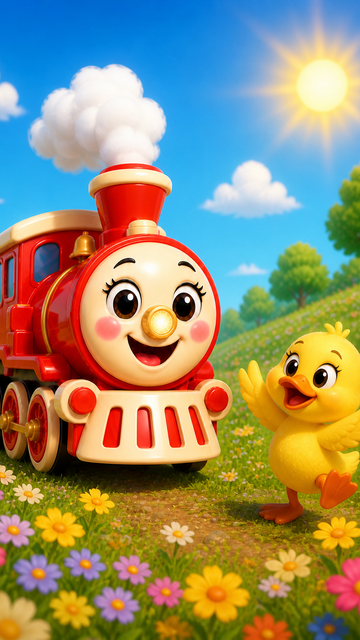
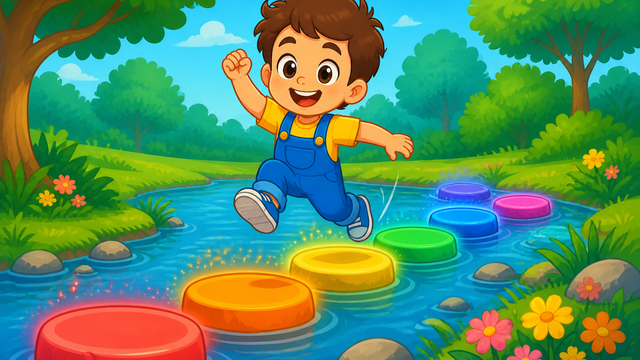
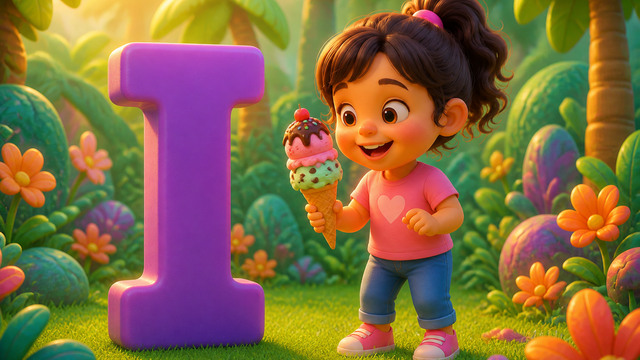
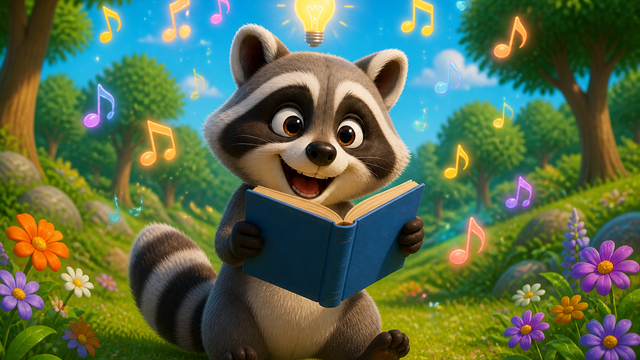
Finished videos from the community gallery, each with its full recipe (style, engine, voice, lyrics or script) that you can remix with your own words.
Frequently asked questions
What is an AI educational kids video generator?
It turns a small lesson (the alphabet, numbers, colors, shapes, simple science) into a finished kids learning video. You write lyrics or a script, and it generates a catchy educational song or a narrated voice, builds bright repetitive visuals scene by scene with one consistent teaching character, animates them, and auto-edits everything into a video you can publish.
Should an educational kids video be a song or a narration?
A song (via Suno) is best for memorization, ABCs, counting, color names, because the hook makes kids repeat it, and music drives huge watch time. A narrated lesson (via ElevenLabs) is better for explaining a 'why' (why leaves are green, how rain works) where a calm friendly voice teaches step by step. Many channels run both formats.
Can I make ABC, numbers and color videos with the same look?
Yes. Because each scene is generated using earlier scenes as context (up to 5 reference images), you keep the same friendly teacher character and the same bright world across an A-to-Z video, a 1-to-10 counting video, or a colors video. That consistency is what makes a learning series feel like one channel rather than random clips.
Can lessons be made in multiple languages?
Yes. You can dub a finished lesson into up to 5 languages, billed per minute per language, and any language that fails is refunded. The same ABC or numbers video can serve English, Spanish, French, Portuguese and more, which is how one lesson reaches several markets without rebuilding it.
Do educational kids channels make money if they're made-for-kids?
They earn, but RPM is low because made-for-kids content (COPPA) limits ads to non-personalized, and kids audiences skew toward lower-RPM countries. The upside is that learning videos are evergreen and get very high repeat watch time. Toddlers replay the same song dozens of times, so views compound for years. Real numbers vary hugely by country.
Is AI educational kids content allowed and safe to publish?
Yes, with care. You must set videos as made-for-kids and follow COPPA, and the generation report lets you review every scene before publishing so nothing odd slips through. Keep the content genuinely educational and varied. Original visuals and a consistent character keep a channel in good standing, not mass-produced template uploads.