AI Bible video generator
By Arsène Huot, founder of TubeTube · Published · Updated
What is an AI Bible video generator?
You give it a Bible story, written out as narration, and it hands back a finished video. Not a slideshow. A real narrated piece where a voice reads the retelling, every scene is illustrated in one coherent style, the clips are animated, and the edit is synced to the narration. TubeTube also generates a YouTube thumbnail for 16:9 videos (the same 16:9 output as the AI video generator for YouTube) and lets you download every asset (audio, images, clips, final mp4) so you own the whole thing. People searching for an “AI Bible video app” are really looking for this: it runs in the browser, nothing to install. Under the hood it's story to video, pointed at scripture.
Why do AI Bible story channels work so well on YouTube?
Because the audience shows up on purpose: people look for these stories by name, and a retelling is something you sit and listen to rather than skim. The stories themselves are evergreen. A well-told Exodus is as relevant in year five as in year one, and nobody is waiting for the news cycle to move on. And the audience is adult, which matters for money: YouTube doesn't serve personalized ads on made-for-kids content, and retellings aimed at adults keep them. Add that the format is faceless by nature (nobody expects the narrator of Genesis on camera) and you get one of the most durable niches in the faceless YouTube playbook.
Nobody can promise you a number, and the outcome still comes down to whether your retellings are actually good. But the unit economics start in your favor here. For measured figures on what faceless channels earn and why audience country moves the needle so much, see how much faceless YouTube channels make. RPM, CPM, watch time and the rest of the vocabulary are defined in the AI video glossary.
How do you make an AI Bible video, step by step?
The pipeline runs narration-first, in a single pass:
- Write the retelling. Provide or AI-generate the narration script. Keep it close to the text and let the story carry itself, more on that below.
- Voice it deep. Pick an ElevenLabs narrator, filtered by language, gender and age, with previews. Bible content wants a low, deliberate voice.
- Storyboard and illustrate. The narration is split into scenes and each scene gets an image (GPT Image 2.5 Low by default, or Gemini, Flux 2 Pro and others) in one of 113 visual styles, held consistent across the whole video.
- Animate. Each scene becomes a clip with a video engine: Kling 2.6 Pro by default, or Kling 3 with flexible 3 to 15 second durations, Hailuo 2.3, or Veo 3.1 at 720p or 1080p. The clips are rendered silent, so the narration is the only voice. Compare them in Kling vs Veo vs Hailuo.
- Edit and finish. The clips are assembled in sync with the narration, and you can switch on a generated ambience bed (instrumental tracks written for each stretch of the video) mixed quietly under the voice. You get the mp4, a thumbnail on 16:9 videos and every file it made, watermark-free on any paid plan (downloads made on the free signup credits carry a small tubetube.io mark).
Several minutes per story is normal here, not an edge case: narration runs at about 14 characters per second on our own videos, so a 7,000-character retelling makes roughly 8 minutes. If long runtimes are your whole strategy, read the long-form generator guide.
How do you write a Bible video script that's respectful and accurate?
This niche punishes sloppiness harder than any other, because your viewers know the source material better than you do. A few rules that keep channels alive:
- Stay anchored to the text. Name the book and chapter in the description, and when you dramatize (inner thoughts, dialogue the text doesn't record), keep it clearly in the spirit of the passage rather than inventing doctrine.
- Retell, don't editorialize. The comment section will litigate any theological hot take. A faithful, vivid retelling reaches every denomination.
- Disclose the AI. Use YouTube's AI-use disclosure for realistic scenes and say plainly that narration and visuals are AI-generated. Faith audiences respond badly to feeling tricked, and honesty costs you nothing.
In TubeTube you can write the script yourself or generate a draft and rewrite it. Either way, read it aloud once before you render. If a sentence sounds off in your mouth, it will sound off in a deep narrator's voice too.
What visual style works for AI Bible videos?
A look that suits scripture is classical paintings in motion. Oil-painting texture, warm directional light, desert golds and deep blues. TubeTube ships 113 visual styles and holds your pick consistent across every scene, so the parting of the Red Sea and the quiet tent scene before it feel like pages of the same illustrated Bible. One practical option: frame Jesus from behind or in silhouette rather than showing his face directly, which sidesteps a debate you don't need in your comments. Photoreal styles tend to land in an uncanny place here. Painterly reads as reverent.
How do you keep the same Moses from scene to scene?
Nothing kills credibility faster than Moses swapping faces between the burning bush and Sinai. TubeTube handles this with character consistency: scene images are generated in order with the most recent scenes as context, plus up to 5 reference images you pin, so the same face, beard and robe carry through a long story. Combined with a locked visual style, your Moses in scene 40 is recognizably the Moses of scene 1. That's what separates a channel people subscribe to from a one-off experiment. Here's how character consistency works across scenes.
Can one Bible channel become five with dubbing?
This is the quiet growth trick of the niche: publish the same story in several languages. TubeTube dubs a finished video into 24 languages, five per run (Spanish and Portuguese included), billed 94 credits per minute per language with failed languages refunded, keeping the pacing and the visuals intact, so the same Exodus becomes an asset on several channels at once. You did the work once. The upload button is the only thing you press five times. Bible stories are one of many formats the same pipeline covers, see all TubeTube use cases.
Real examples: bible videos made with TubeTube
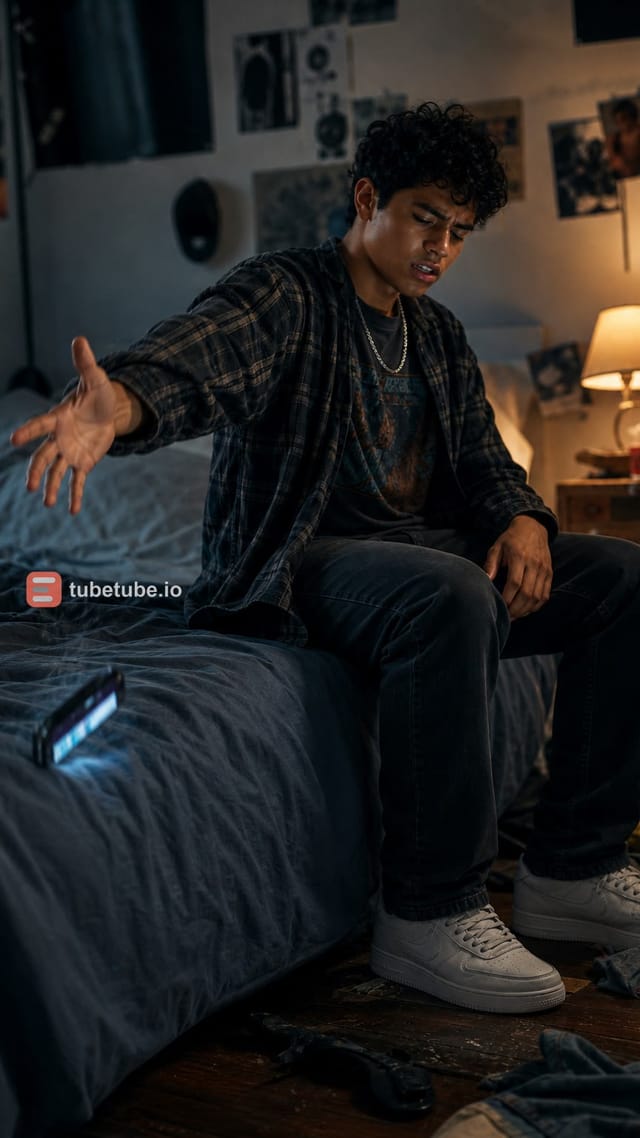
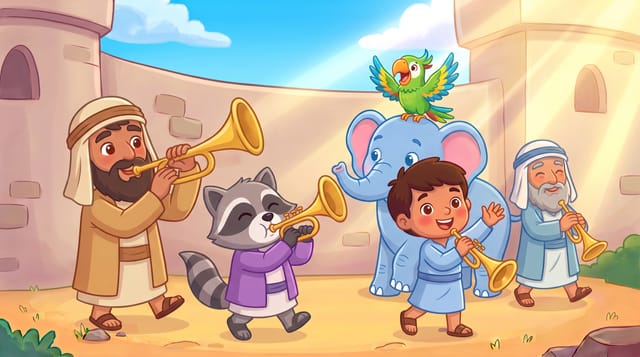
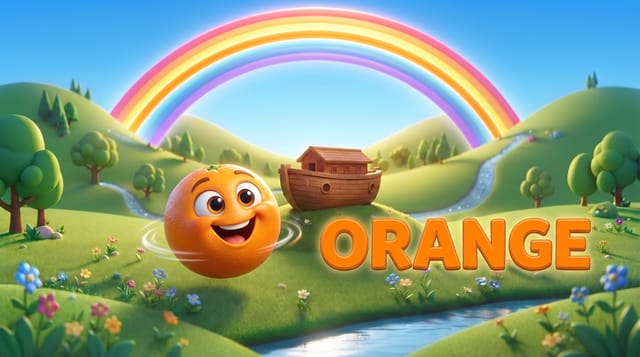
Finished videos from the community gallery, each with its full recipe (style, engine, voice, lyrics or script) that you can remix with your own words.



Frequently asked questions
Is there a free AI Bible video generator?
In most countries, new accounts get 1,000 credits at signup, valid for 7 days, with no card required; they aren't granted everywhere (in India, a one-off $4 pack of 1,000 credits replaces them). That's enough for a first short narrated Bible video; the download carries a small tubetube.io mark, because clean, watermark-free mp4s come with a paid plan, and since your master is stored in full quality without it, subscribing later unlocks clean downloads on everything you've already made. After that it runs on credits (1 credit is about $0.011) with plans at $22, $49, $129 and $399 per month, 10% cheaper billed annually. A 2-3 minute video costs a median 807 credits, about $9 at the base rate of $0.011 per credit; half of them cost between 685 and 1,129 credits ($7.50-12.50), measured on 246 videos in August-September 2026. The exact quote is shown before launch and unused credits are refunded.
Can AI Bible videos be monetized on YouTube?
They can, when they're original: a script you wrote, narration you chose and visuals generated for that specific video. Retellings aimed at adults aren't made for kids, so they keep personalized ads, which YouTube doesn't serve on made-for-kids content. Disclose realistic AI-generated scenes with YouTube's AI-use setting at upload. The pattern to avoid in this niche is batch production: ten versions of the Nativity over the same images, with only the wording shuffled, is the kind of 'minimal variation across videos' that YouTube's monetization policies exclude, whereas a distinct story in each video is what they allow.
What is the best AI voice for Bible narration?
Deep, slow and warm. Think documentary narrator, not radio host. TubeTube lets you filter the ElevenLabs voice library by language, gender and age, and preview each one before you commit. A lower register with an unhurried pace is what makes a retelling of Exodus feel weighty instead of rushed.
How do I keep the same Moses across every scene?
Scene images are generated in order, each one with the most recent scenes as context, and you can pin up to 5 reference images of Moses that are sent with every scene, so he keeps the same face and robe from the burning bush to the Red Sea. Pin the same references again in your next video and he carries over to it. One visual style is locked for the whole video, which stops the world around him from shifting between scenes.
Can I dub a Bible video into Spanish or Portuguese?
Yes. TubeTube dubs a finished video into 24 languages, up to five per run, Spanish and Portuguese included. Dubbing costs 94 credits per minute per language, and a language that fails is refunded automatically. You make the story once and can publish it on several language channels.
How long should an AI Bible video be?
Long enough to tell one story properly, often several minutes. Narration runs at a median of about 14 characters per second on TubeTube's own videos, so a 7,000-character retelling makes roughly 8 minutes, and the script field takes up to 20,000 characters. When the AI drafts the script, the duration picker goes up to 6-10 minutes. A finished video takes about 15 minutes to generate (median of 984 videos, September 2026); a quarter finish in under 10 minutes and nine in ten in under 32.