AI cartoon video generator
By Arsène Huot, founder of TubeTube · Published
What does an AI cartoon video generator actually do?
Most tools in this space hand you a few seconds of animation per prompt, and you're left stitching clips together and hoping the hero keeps the same face. TubeTube works from the other end. It starts with the audio, either a narration read by an ElevenLabs voice or a song Suno composes from your lyrics, cuts a storyboard to that audio, and then draws one image per scene. A video engine animates each image and the edit puts it all together, so what you download is a complete cartoon, not a folder of clips.
That's why it suits channels rather than one-off experiments. A three-minute cartoon song and a ten-minute narrated episode go through the same pipeline, in 16:9 for YouTube or 9:16 for Shorts and TikTok.
Which cartoon styles can you pick?
The style is one setting that holds for the whole video. TubeTube offers 113 of them, and these are the cartoon ones people reach for most:
| Style | What it looks like |
|---|---|
| 2D cartoon | clean outlines, flat bright colors, rounded shapes. The modern TV-animation look |
| Saturday cartoon | thick friendly outlines, exaggerated expressions, bouncy poses |
| Rubber-hose 1930s | noodly limbs, pie-cut eyes, vintage film grain and a slight flicker |
| Mid-century cartoon | angular UPA-style characters, a limited bold palette, abstract backgrounds |
| Pixar-style 3D | soft rounded 3D characters with big expressive eyes, the most used style in the gallery |
| Claymation | handmade clay figures with visible texture, stop-motion charm |
| Retro 80s anime | cel-shaded characters and a warm VHS-era palette |
Flat 2D pays off on small screens because a face made of three shapes reads instantly and a bold outline survives motion without smearing. 3D styles feel more premium and suit longer stories. There are also comic looks like Ligne claire and Newspaper strip, and if none of them fits, you can describe your own. Browse real results by style in the 2D cartoon gallery or the Pixar-style 3D gallery.
How do you keep the same cartoon character in every scene?
This is where cartoon generators usually fall apart. A character who changes shirt color halfway through breaks the illusion faster than any stiff animation. TubeTube generates the scene images in order, feeds the most recent ones back in as context, and lets you pin up to 5 reference images of your own. In dialogue mode, the look you write for each named character is pasted into every scene where they appear. The video engines animate images that already exist, so identity is locked before anything moves. The full method is explained in AI character consistency.
How do you make a cartoon video from text, step by step?
- Write the text. A story, a script or lyrics. Short on ideas? Give a one-line premise and let the AI write the script, up to 6-10 minutes long.
- Choose the voice or the music. Narration uses an ElevenLabs voice you preview and pick. A song is composed and sung by Suno. You can also upload your own mp3.
- Pick a cartoon style and an engine. Kling, Hailuo, Veo, Seedance and Gemini Omni Flash are all there, with the credit cost shown before you launch.
- Download the finished cartoon. One mp4, a YouTube thumbnail for 16:9 videos, and a zip of every image and clip if you want to re-edit.
Cartoons for children are the biggest use by far. For those, the dedicated pages go deeper: the AI kids song video generator, the nursery rhyme generator and the fairy tale video generator. For a narrated episode with a plot, start from story to video.
Can the cartoon be in another language?
Yes. Write the lyrics or the script directly in your language and it's sung or read in that language, which sounds far better than a translated chorus. A finished video can also be dubbed into other languages, up to 5 per request. The gallery already has videos in French, Spanish, Portuguese, Arabic, Hindi and a dozen more.
Is there a free AI cartoon video generator?
You can start free. In most countries, new accounts get 1,000 credits at signup, valid for 7 days, with no card required; they aren't granted everywhere (in India, a one-off $4 pack of 1,000 credits replaces them). That's enough to make a real cartoon and judge it before paying. There's no unlimited free tier after that. Plans run $11, $49, $129 and $399 per month, and one credit costs about $0.011. A typical 2-3 minute video lands around ~$9. Exports are watermark-free on every paid plan, while downloads on the signup credits carry a small tubetube.io mark that goes away on every project once you subscribe.
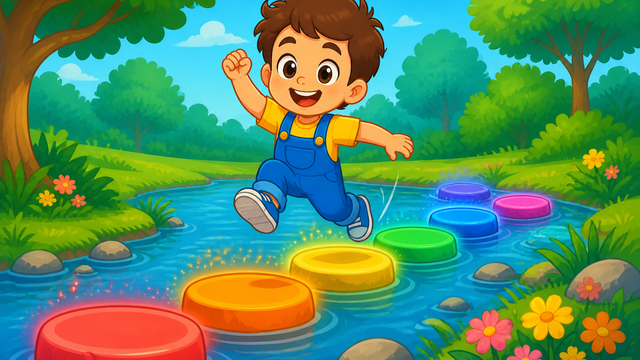
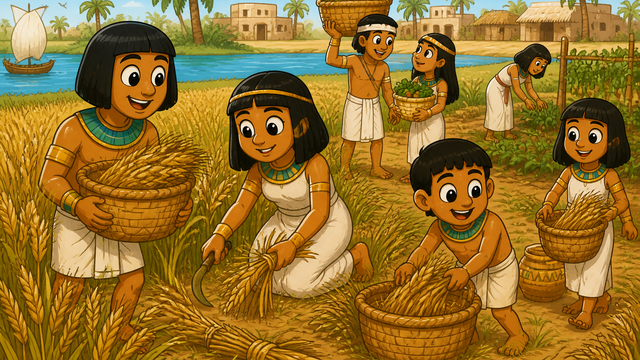
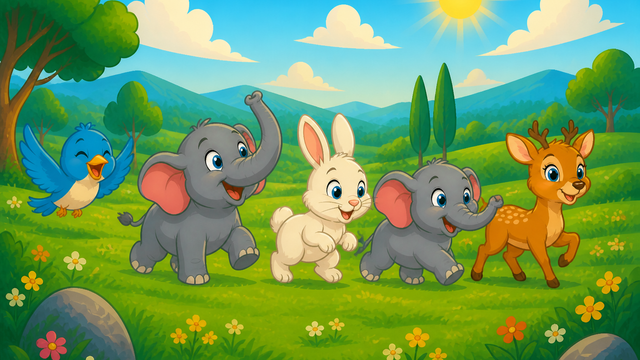
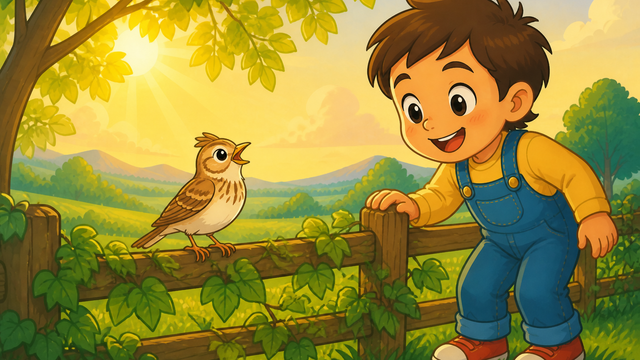
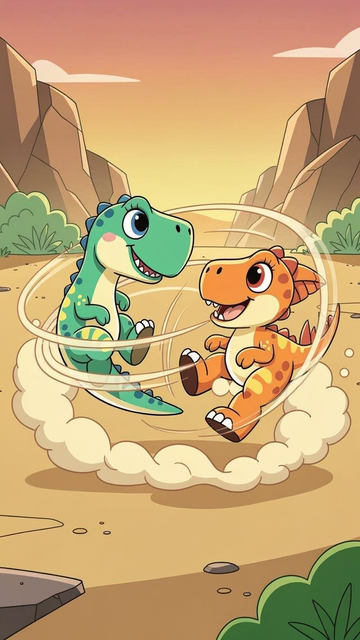
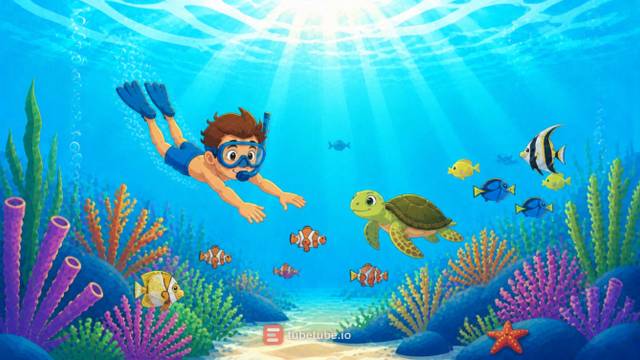
Real examples: 2d cartoon made with TubeTube
Finished videos from the community gallery, each with its full recipe (style, engine, voice, lyrics or script) that you can remix with your own words.
Frequently asked questions
What is an AI cartoon video generator?
It turns text into an animated cartoon. On TubeTube you write a story, a script or song lyrics, pick a cartoon style, and the pipeline records the audio (an ElevenLabs narration or a song composed by Suno), builds a storyboard timed to it, draws one image per scene with the same characters throughout, animates each image with a video engine and edits everything into one mp4.
Can I make a cartoon video from text only?
Yes, text is the starting point. Paste a script or lyrics, or give a short idea and let the AI write the script. You don't need drawings, a voice recording or editing software. If you already have a song, upload the mp3 instead and the scenes are timed to it word by word.
Is there a free AI cartoon video generator without a watermark?
In most countries, new accounts get 1,000 credits at signup, valid for 7 days, with no card required; they aren't granted everywhere (in India, a one-off $4 pack of 1,000 credits replaces them). Downloads made on those signup credits carry a small tubetube.io mark. Every paid plan ($11, $49, $129 or $399 per month, 10% cheaper billed annually) exports clean mp4s, and because the master is stored without the mark, subscribing later makes earlier projects downloadable clean too. There's no unlimited free plan.
How do the characters stay the same from scene to scene?
Scene images are generated in order, each one seeing the most recent scenes as context, and you can pin up to 5 reference images of your own. In Narration + Dialogue mode, the appearance you write for each named character is re-injected word for word into every scene where they appear. The video engines only animate images that already exist, so a character's look is settled before any motion is rendered.
Can cartoon characters talk?
Yes, in Narration + Dialogue mode. Three engines can speak lines on camera there: Veo 3.1, Kling 3 and Gemini Omni Flash. Outside that mode, clips are silent and the voice comes from the narration or the song mixed in the edit, which is how most cartoon songs and narrated stories are made.
How much does an AI cartoon video cost?
A 2-3 minute video costs a median 807 credits, about $9 at the base rate of $0.011 per credit; half of them cost between 685 and 1,129 credits ($7.50-12.50), measured on 246 videos in August-September 2026. The exact quote is shown before launch and unused credits are refunded. The price depends mostly on the number of scenes and the video engine you pick.