AI short film generator
By Arsène Huot, founder of TubeTube · Published
Three ways to tell a short film
A short film doesn't have to mean dialogue. Plenty of good ones are told by a single narrator over moving pictures. TubeTube supports both, plus a third route for people who already have the audio.
| Route | How it plays | Works well for |
|---|---|---|
| Narrated short | one AI voice tells the story while the scenes play | fables, horror tales, history shorts |
| Narration + Dialogue | named characters speak their lines inside the clip, and a narrator can carry the rest | drama, comedy skits, serialized episodes |
| Your own audio | upload an mp3 of your voice acting or a finished soundtrack and the visuals follow it | creators who already recorded the film's audio |
If you've got a plot but no script yet, start from story to video. Genre films have their own guides too, like the AI horror story video generator and the AI anime video generator.
How do you make a short film with AI?
- Write the script. For a talking film, lay it out like a screenplay: the setting in brackets, then each line given to a named character. Describe what each character looks like once, and that description follows them into every scene.
- Pick a style and an engine. One style holds for the whole film, from Pixar-style 3D to anime or a look you describe yourself. For spoken lines, choose an engine that talks on camera.
- Fix what you don't like. If one shot comes out wrong, regenerate that scene alone from the video page instead of paying for the whole film again.
- Generate and download. You get one mp4, and every image and clip as separate files if you want to re-edit the film yourself.
Which engines make the characters speak?
Three engines can speak lines on camera in TubeTube's dialogue mode: Veo 3.1 (12 script languages), Kling 3 (English, Chinese, Spanish) and Gemini Omni Flash (English supported by Google, French verified by TubeTube). Hailuo 2.3, Seedance 2 and Kling 2.5/2.6 render silent clips. Outside dialogue mode, TubeTube removes the engines' own audio from every clip, including Veo's and Omni Flash's, and the pipeline mixes ElevenLabs narration or Suno music over them.
Picking the engine is mostly a language and budget call. The full side-by-side, with resolutions, scene lengths and credits per scene, is in Kling vs Veo vs Hailuo. If you mainly want characters who talk with ambience in the shot, the Gemini Omni Flash video generator page goes deeper.
Keeping the same characters from shot to shot
A film falls apart when the hero's face changes between cuts. TubeTube draws the scene images in order and feeds the most recent ones back in, and you can pin up to 5 reference images of your own. Video engines only animate images that already exist, so the design is locked before anything moves. The method is covered in AI character consistency, which matters even more if you plan a series rather than a one-off.
Is there a free AI short film generator?
You can try it without paying. In most countries, new accounts get 1,000 credits at signup, valid for 7 days, with no card required; they aren't granted everywhere (in India, a one-off $4 pack of 1,000 credits replaces them). Films made on those credits carry a small watermark, and paid plans export clean mp4s. Plans are $22, $49, $129 and $399 per month, and one credit costs about $0.011. For scale, a 2-3 minute video lands around ~$9. Dialogue films on speaking engines usually cost more per scene than a narrated short, and the app shows the exact quote before you launch.
Real examples: dialogue videos made with TubeTube
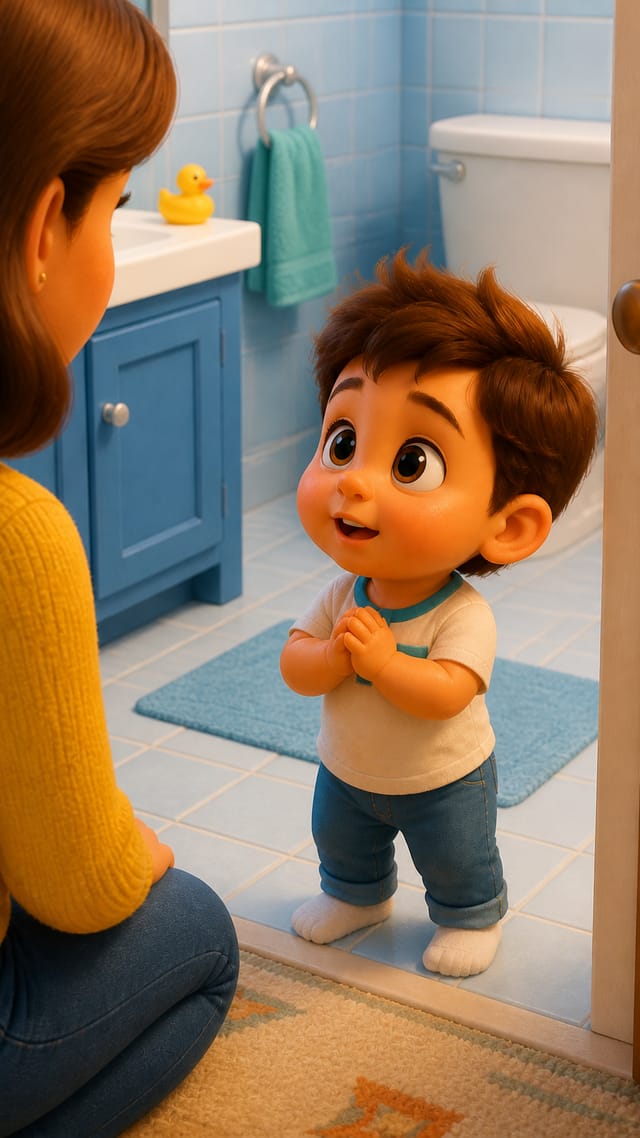
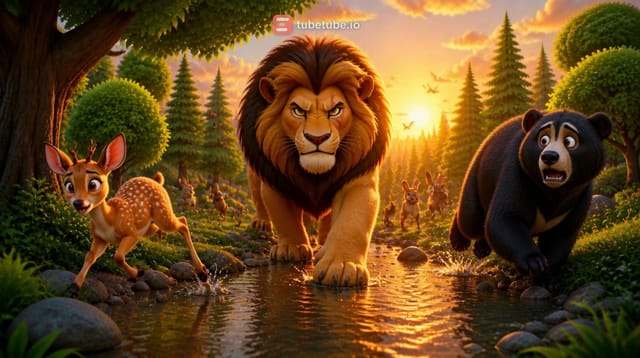
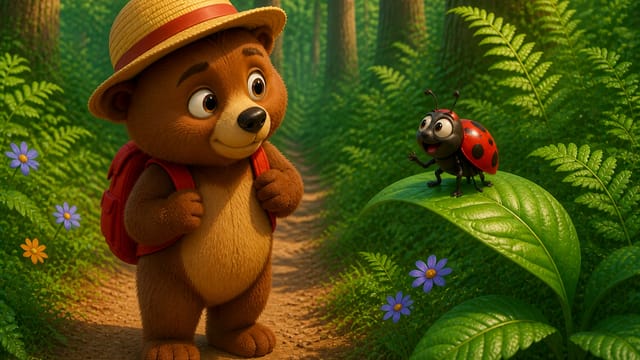
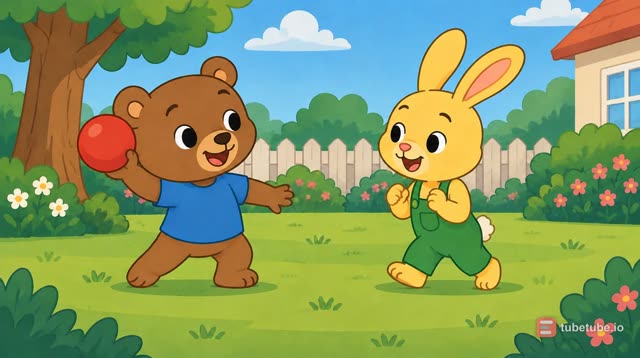
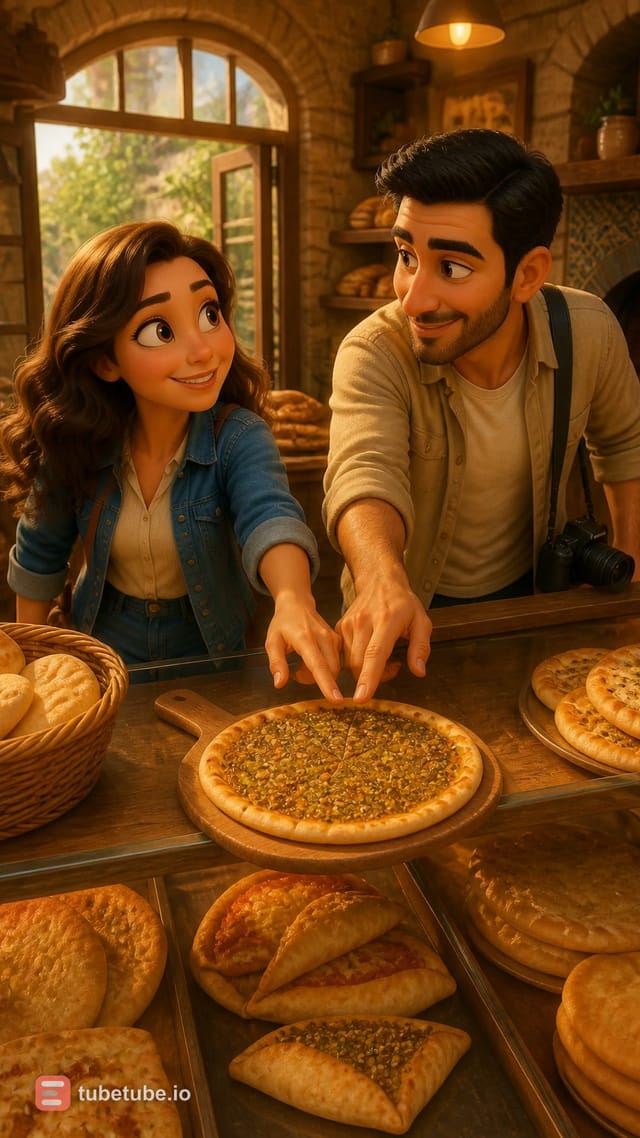
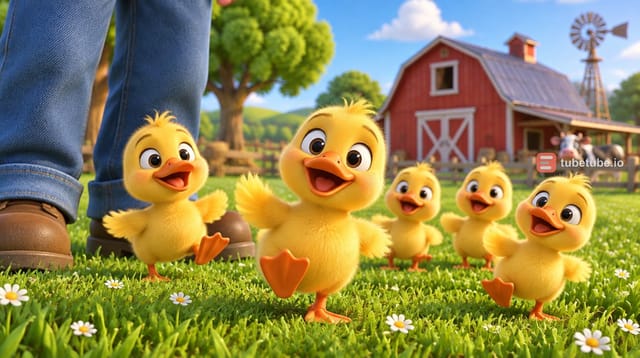
Finished videos from the community gallery, each with its full recipe (style, engine, voice, lyrics or script) that you can remix with your own words.
Frequently asked questions
What is an AI short film generator?
It takes a written story or a script and turns it into a finished film. On TubeTube you paste the text, pick a visual style and a video engine, and the pipeline writes a storyboard, draws one image per scene, animates each scene and edits everything into one mp4 with the voices and music mixed in.
Can the characters actually talk?
Yes, in Narration + Dialogue mode. Three engines can speak lines on camera in TubeTube's dialogue mode: Veo 3.1 (12 script languages), Kling 3 (English, Chinese, Spanish) and Gemini Omni Flash (English supported by Google, French verified by TubeTube). Hailuo 2.3, Seedance 2 and Kling 2.5/2.6 render silent clips. Outside dialogue mode, TubeTube removes the engines' own audio from every clip, including Veo's and Omni Flash's, and the pipeline mixes ElevenLabs narration or Suno music over them.
How do I format the script?
Write it like a screenplay. Put the setting in brackets, then give each line to a named speaker. TubeTube reads the names to know who's talking in each shot, and the appearance you describe for each character is carried into every scene they're in.
Is there a free AI short film generator without a watermark?
In most countries, new accounts get 1,000 credits at signup, valid for 7 days, with no card required; they aren't granted everywhere (in India, a one-off $4 pack of 1,000 credits replaces them). Downloads on those signup credits carry a small tubetube.io mark. Every paid plan ($22, $49, $129 or $399 per month) exports clean mp4s with no watermark.
Will my main character look the same in every shot?
That's what the pipeline is built around. Scene images are generated in order with the most recent ones fed back as context, you can pin up to 5 reference images of your own, and the video engine only animates images that already exist, so the look is settled before anything moves.
Can I fix one scene without redoing the whole film?
Yes. Once the film is generated, you can regenerate a single scene from the video page and pay only for that scene, instead of paying for the whole film again.
Does it add subtitles?
No. TubeTube doesn't burn captions or any text into the picture. If your film needs subtitles, add them in your editor after downloading.